
Why speed matters more than ever
Most people do not sit down to work on one perfect, finished document from start to end. Real writing is fragmented. Someone starts a report on a laptop, checks a paragraph count on a quick break, converts a file before sending it, and later comes back to edit the same piece from another device. In that kind of workflow, speed is not a luxury. It is the difference between momentum and interruption.
Browser-based tools reduce the setup time that used to slow document work down. You open a page, begin writing, and move forward immediately. That simplicity changes behavior. People are more likely to draft sooner, revise more often, and finish smaller document tasks without postponing them.
One workflow can now cover writing, counting, and conversion
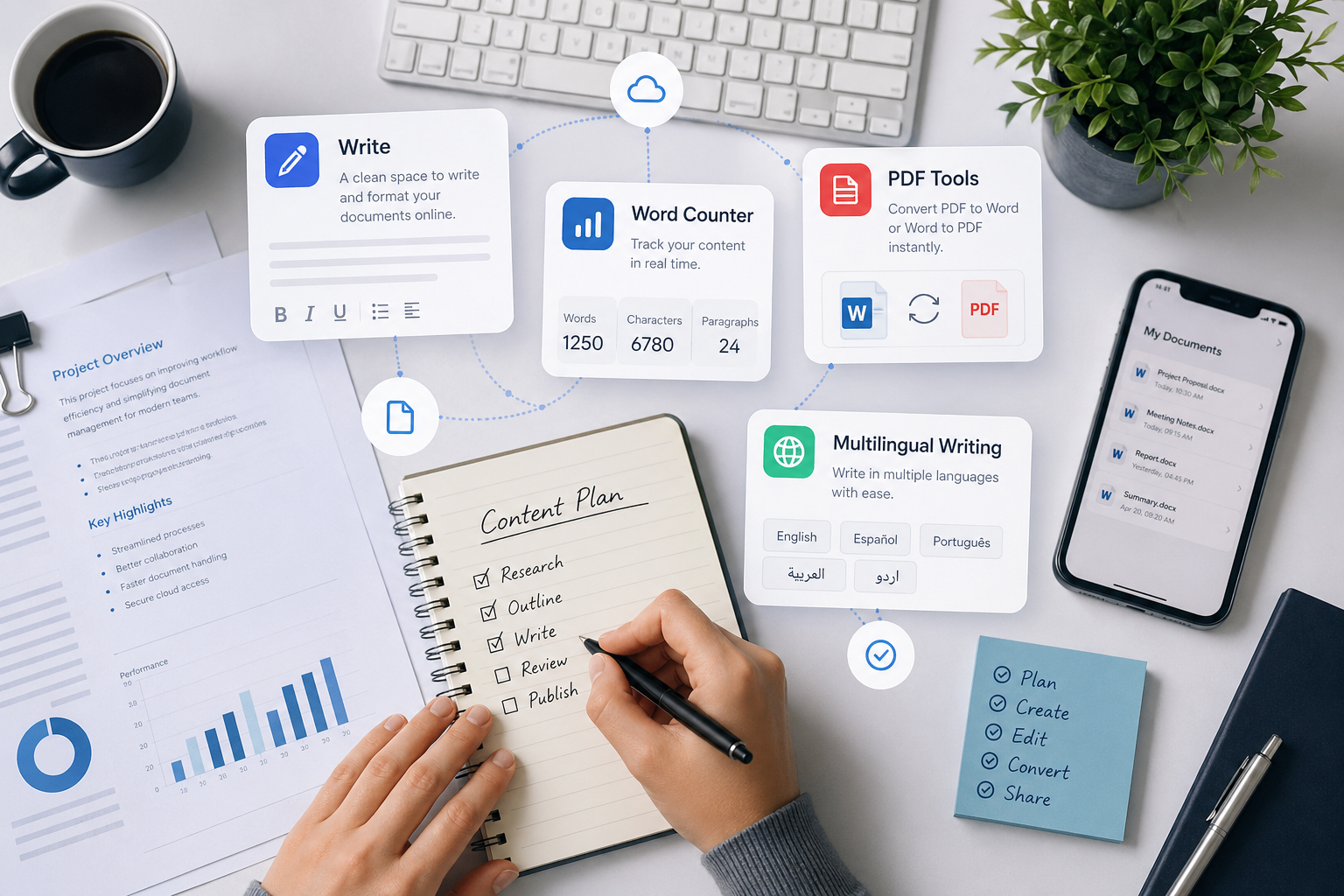
One of the biggest advantages of online document tools is that they no longer have to behave like isolated utilities. A modern browser workflow can include an editor, a word counter, a PDF-to-Word converter, and a Word-to-PDF exporter all within the same product family. Instead of treating each task like a separate software decision, users can stay inside one familiar environment.
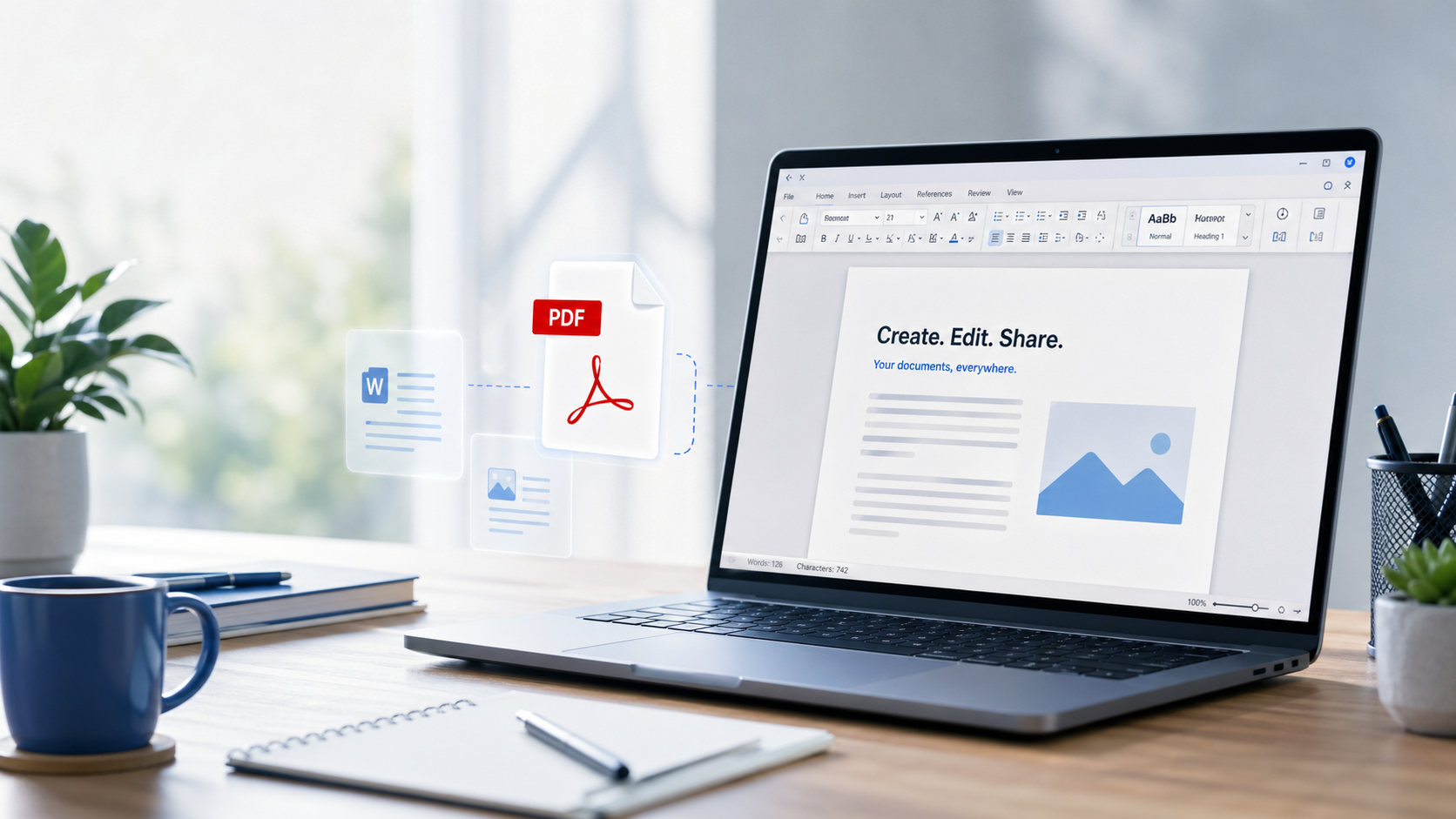
That matters because document work often expands in stages. A draft becomes a polished file. A polished file becomes a PDF. A PDF comes back for edits. A final check needs word count or character count before publishing. When those steps sit close together, the workflow feels lighter and more consistent.
Better support for different languages and user needs
Another shift is accessibility across writing styles. Today’s browser-based editors can support left-to-right writing, right-to-left writing, multiple language interfaces, and a broader range of fonts than many people expect. That makes online tools more useful for users who work in English one day, Urdu or Arabic the next, or who need a localized experience for different audiences.
It also helps students, freelancers, and small teams who do not want heavy desktop software for every document-related task. A browser tool is easier to reach, easier to explain, and easier to revisit quickly.
Where online tools still have limits
Browser-based tools are not perfect replacements for every complex desktop workflow. Highly advanced layouts, deeply embedded formatting logic, or scanned-document OCR still push beyond what a lightweight browser experience can do cleanly. That is normal. The real question is not whether online tools can do absolutely everything. It is whether they handle the majority of everyday document tasks well enough to save time.
For many people, the answer is already yes. If the work is drafting, formatting, counting, converting, and exporting clean documents quickly, the browser is often the faster choice.
The practical takeaway
Browser-based document tools are changing how people work because they remove small barriers at exactly the right moments. You do not need to install first, sign in before trying, or switch platforms just to count words or convert a file. That creates a workflow that feels more direct and more usable for real-world writing.
If your document work is mostly about speed, clarity, and easy access across tasks, browser tools are no longer just a backup option. They are becoming the default starting point.
Try the tools
Open the editor, check your word count, or convert a file using the tools already built into Word Online.