
Quick Overview
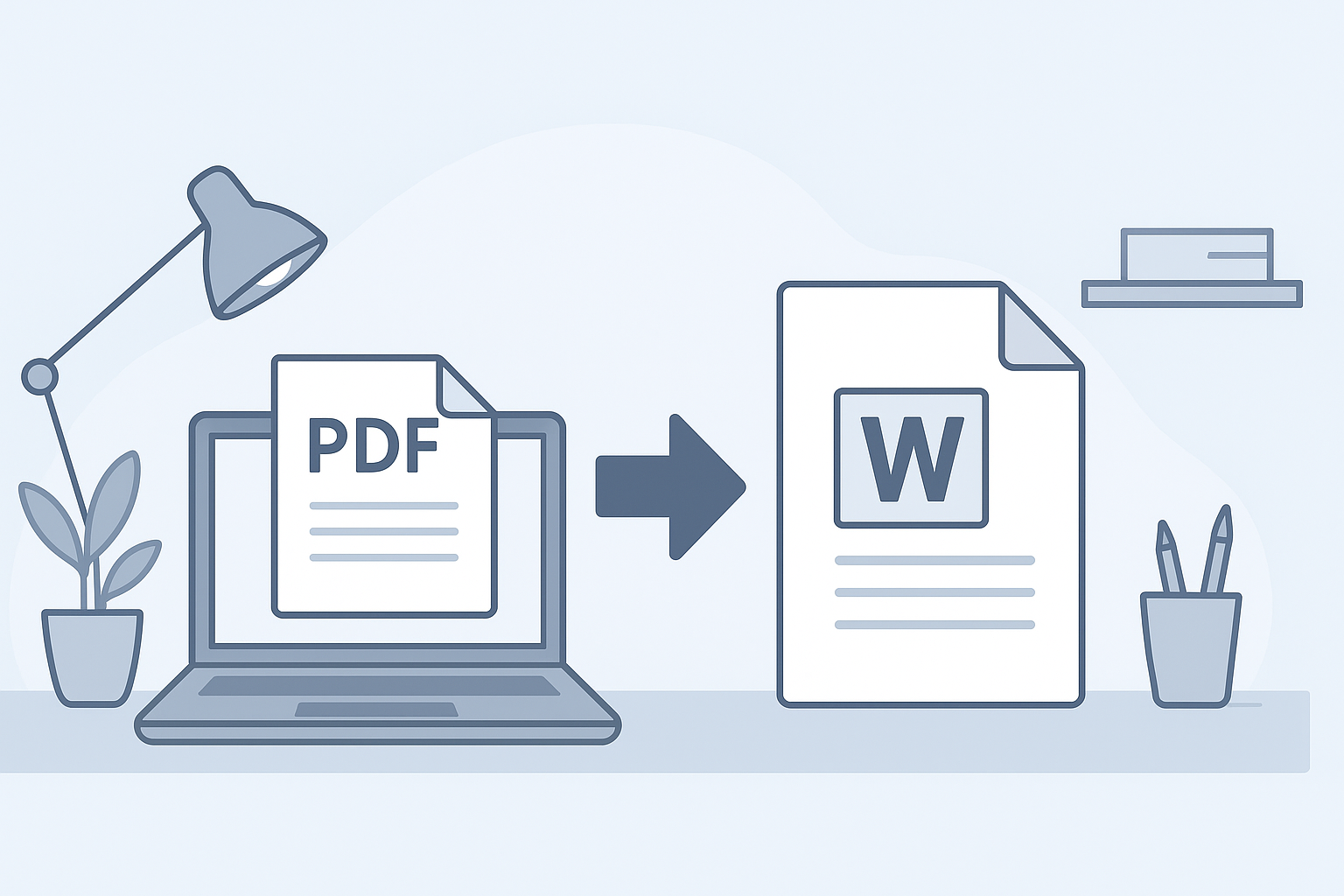
A PDF to Word converter is a tool that enables you to convert PDF files into editable Word documents easily and for free. This is useful for editing, formatting, and reusing content from PDFs.
Introduction to PDF to Word Conversion
PDP (Portable Document Format) files are widely used due to their consistency across devices and platforms. However, their non-editable nature can pose challenges when users need to modify text or graphics. This guide will explore the process of converting PDF files into Microsoft Word documents, making editing seamless and straightforward.
Benefits of Converting PDF to Word
- Editability: Once converted to Word, you can freely edit text, images, and layout.
- Reusability: Extract useful information and reuse it in your other documents.
- Cost-effective: Using free online tools saves money compared to purchasing expensive software.
- Convenience: Many online converters allow fast processing without the need for software installation.
Easy Steps to Convert PDF to Word Online for Free
- Select a Reliable Online Converter: Choose a trusted PDF to Word converter tool.
- Upload Your PDF File: Click the 'Upload' or 'Select File' button to import your desired PDF.
- Choose Conversion Settings: Some tools may provide options like OCR (Optical Character Recognition) for scanned documents.
- Convert the File: Press the 'Convert' button and wait for the process to complete.
- Download the Word Document: Once finished, download the converted document to your device.
Best Free PDF to Word Converter Tools
| Tool Name | Features | Pros | Cons |
|---|---|---|---|
| Smallpdf | Simple interface, no software needed | Fast conversion, supports various formats | Limited free conversions |
| PDF to Word Converter by ILovePDF | Batch processing, OCR available | Supports bulk conversion | Ads on free version |
| Adobe Acrobat Online | Highly accurate, professional results | Trusted brand, detailed output | Requires account for some features |
| PDFCandy | Multiple file edits, simple upload | No registration required | Sometimes slower than others |
Conclusion and Additional Resources
Converting PDF to Word online can significantly improve your productivity when dealing with document editing. By following the steps outlined in this guide and leveraging the best free tools available, you'll find the process both efficient and effective. Explore more helpful resources at Free Word Editor or check out our PDF to Word Converter for more options.
Frequently Asked Questions
Can I convert scanned PDFs to Word online?
Yes, many PDF to Word converters include OCR features that allow you to convert scanned documents into editable Word files.
Is it safe to use online PDF to Word converters?
Using reputable online tools is generally safe; however, always check their privacy policy to ensure your data will not be stored or misused.
How long does it take to convert a PDF to Word online?
Conversion times depend on the file size and the chosen tool but often take less than a minute for standard PDFs.
Do I need to download software to convert PDF to Word?
No, several reliable online tools offer free PDF to Word conversion without the need for software downloads.