
Creating and Editing Word Documents Online
Creating and editing Word documents online for free enables users to manage their documents flexibly and efficiently. This guide covers the steps to create, edit, collaborate, and manage documents seamlessly in a web environment without any signup required.
Steps to Create a Word Document Online for Free
- Select an Online Editor: Choose a lightweight document editor like WordOnline.online. This platform allows you to create documents without the need for an account.
- Access the Editor: Go to the WordOnline.online homepage and select the ‘Create New Document’ option.
- Start Writing Your Document: Use the intuitive interface to input text. Add formatting through available tools like bold, italics, bullet points, and more.
- Save Your Document: Frequently save your work by selecting the save option. You can download it as a Word file or PDF.
- Download or Share: Once completed, download your document in your preferred format, or copy the link to share it directly.
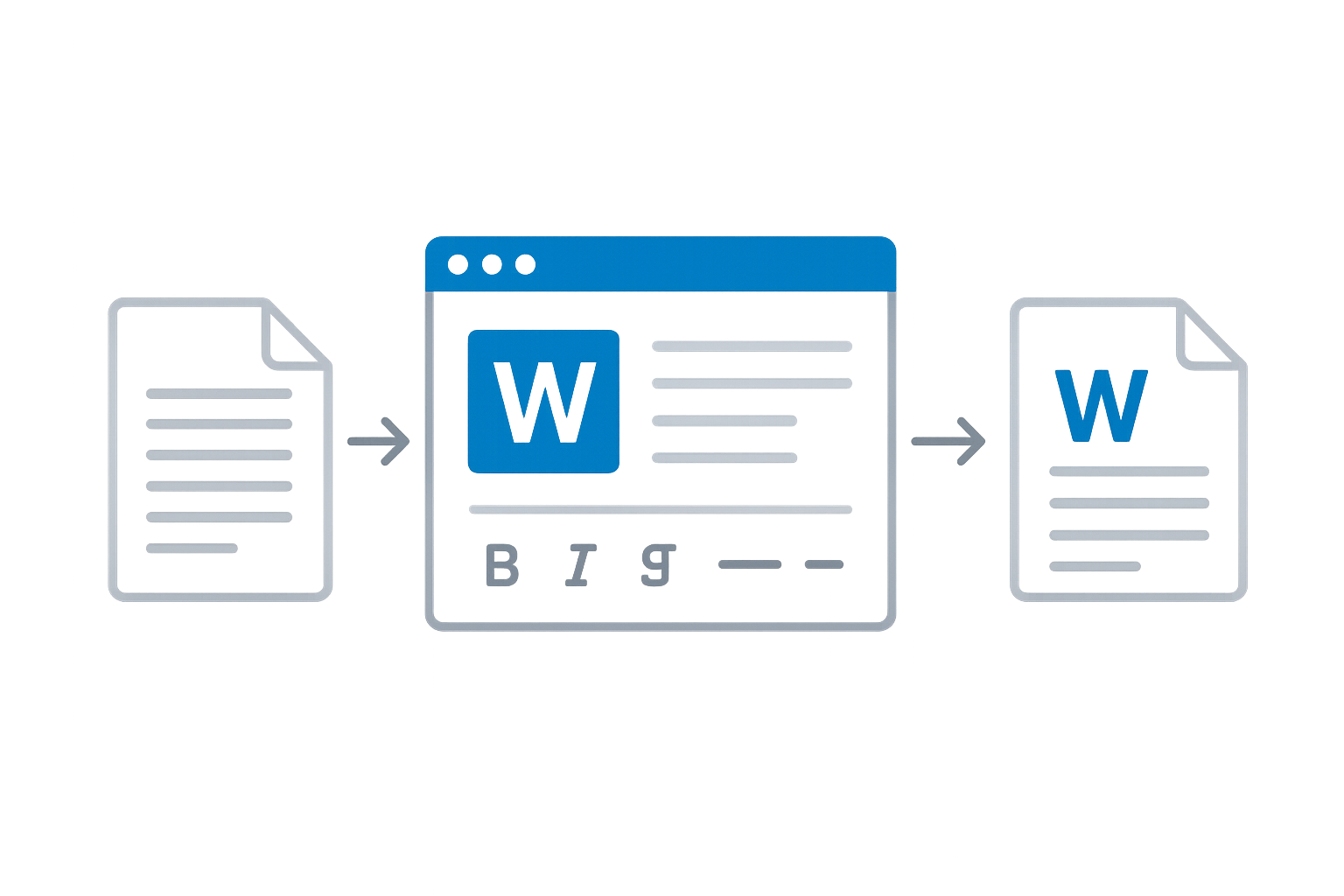
Editing Your Word Document: Tips and Tools
Editing is a crucial part of document creation. Here are some tips to enhance your editing process:
- Use Real-time Word Counter: Keep an eye on your word count to maintain limit compliance.
- Utilize Formatting Tools: Leverage headers, footers, and tables to structure your document effectively.
- Automatic Saving: Make sure to enable autosave features for effortless document integrity.
Collaborating on Word Documents Online
Collaboration is seamless with online tools. Here are the ways to work with others:
- Share Links: Send document links via email for instant access.
- Real-time Editing: Many platforms support multiple users editing simultaneously. Check if your chosen tool offers this feature.
- Commenting: Use commenting features for feedback without changing the original text.
Feature Comparison
| Feature | WordOnline.online | Microsoft Word Online | Google Docs |
|---|---|---|---|
| Document Creation | Yes | Yes | Yes |
| Document Editing | Yes | Yes | Yes |
| Cost | Free | Subscription | Free with limitations |
| Account Requirement | No | Yes | Yes |
| Exports | PDF, DOCX | DOCX, PDF | PDF, DOCX |
Frequently Asked Questions
Can I use WordOnline.online without an account?
Yes, WordOnline.online allows you to create and edit documents without any signup process, making it a convenient choice.
What file formats can I export my documents to?
You can download your documents as either DOCX or PDF files directly from WordOnline.online.
Is there a word limit on documents?
WordOnline.online does not impose a strict word limit, but ensure that you keep practical constraints in mind for usability.
How can I collaborate with others?
Share your document link directly through email or messaging apps to allow others to view or edit your document.
Conclusion and Further Resources
Creating and editing Word documents online is now easier than ever with platforms like WordOnline.online. Browse through our additional tools for word counting (Word Counter), PDF conversion (PDF to Word), and other resources to enhance your document management experience.