
What is an Online Word Document?
An online Word document is a digital document created and edited in a web-based word processor, allowing access from any device without requiring software installation.
Benefits of Creating Word Documents Online
- No Installation Needed: Access powerful tools directly in your browser.
- Real-Time Collaboration: Work with others seamlessly.
- Free to Use: No hidden fees or subscriptions.
- Automatic Saving: Prevent data loss with autosave features.
Step-by-Step Guide to Create a Word Document Online
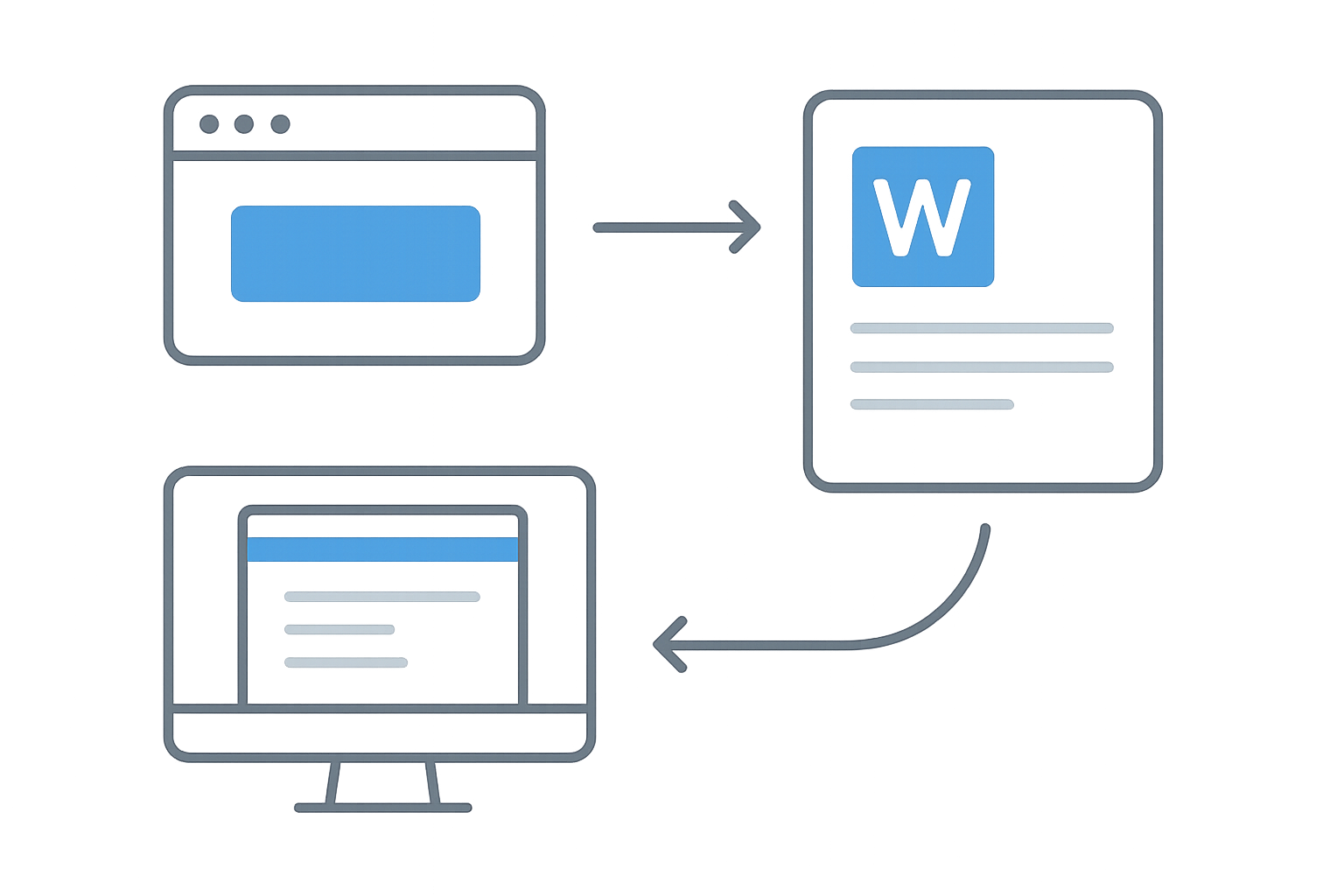
- Visit WordOnline.online: Go to the website to access the editor.
- Start a New Document: Click on the option to create a new document.
- Edit Your Document: Use the available tools to format text, add images, and create tables.
- Save Your Work: Choose to download your document as a Word or PDF file.
Feature Comparison of Online Document Tools
| Feature | WordOnline.online | Microsoft Word Online | Google Docs |
|---|---|---|---|
| Cost | Free | Subscription Required | Free |
| Installation | No | Requires Sign-in | No |
| Collaboration | Real-Time | Real-Time | Real-Time |
| File Formats | .docx, .pdf | .docx | .docx, .pdf |
| Advanced Features | Basic | Advanced | Moderate |
Tips for Using Online Word Editors
- Familiarize Yourself: Spend some time exploring the toolbar and features.
- Check Compatibility: Ensure your document formats are supported during export.
- Backup Regularly: Even with autosave, consider downloading copies.
Frequently Asked Questions
Can I create a Word document without an account?
Yes, with WordOnline.online, you can create and edit documents without needing to sign up.
Is my document safe while using online editors?
Using reputable tools like WordOnline.online ensures your documents are secure, with many offering privacy policies.
Can I access my documents from different devices?
Absolutely! By using a browser, you can access your documents from any compatible device, anywhere.
What formats can I save my document as?
You can save your document as either a .docx or .pdf file on WordOnline.online.
Conclusion
Creating Word documents online for free is an accessible and efficient choice, especially with tools like WordOnline.online. Start your document today without the need for downloads or sign-ups!
For more features, explore our Free Word Editor, check your word count with our Word Counter, or convert files through our PDF to Word converter and Word to PDF converter.