
Quick Direct Answer
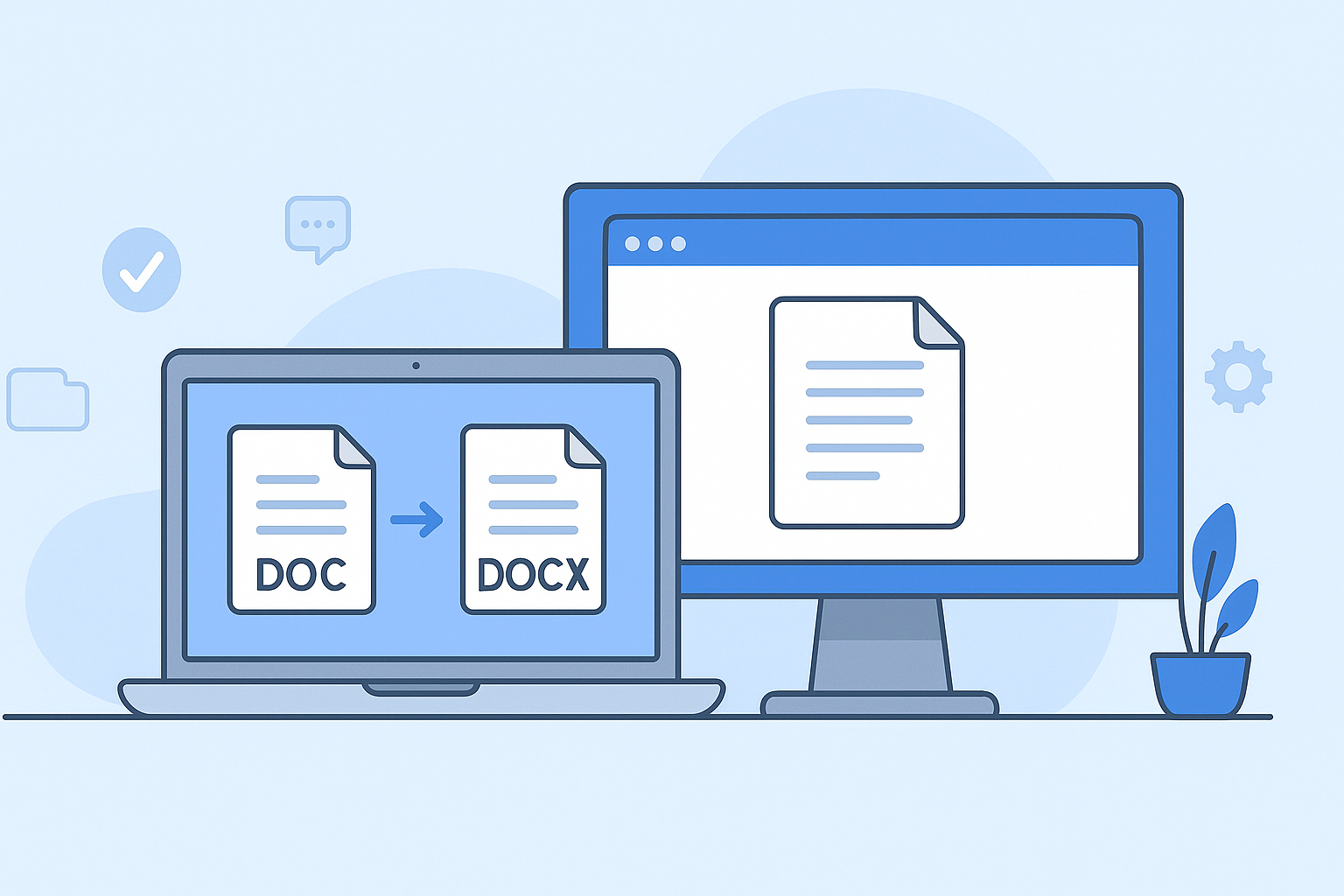
DOC and DOCX are file formats used for Microsoft Word documents. DOC is the older, binary format, while DOCX is the newer XML-based format, offering better compression and features.
Detailed Explanation
DOC files are primarily based on a binary file format that dates back to older versions of Microsoft Word. In contrast, DOCX represents a more modern approach, leveraging XML to allow for better data management, including enhanced formatting options and greater compatibility across various platforms.
Comprehensive Guide: DOC vs DOCX
What You Need to Know
When choosing between DOC and DOCX files, it's important to consider their differences, advantages, and specific use cases. The following steps outline key aspects:
- Understand Their Origins: DOC was introduced in 1983, whereas DOCX was launched with Microsoft Word 2007.
- Identify Compatibility: DOC files have compatibility with older versions of Word, while DOCX is supported by newer versions and various online document editors.
- Assess Compression: DOCX compresses content better, leading to smaller file sizes, ideal for sharing and storage.
- Easier Data Recovery: In case of corruption, DOCX files provide better chances for data recovery due to their structured format.
- Check Editing Features: DOCX supports advanced editing features such as improved collaboration tools and options for integrating multimedia.
Feature Comparison Table
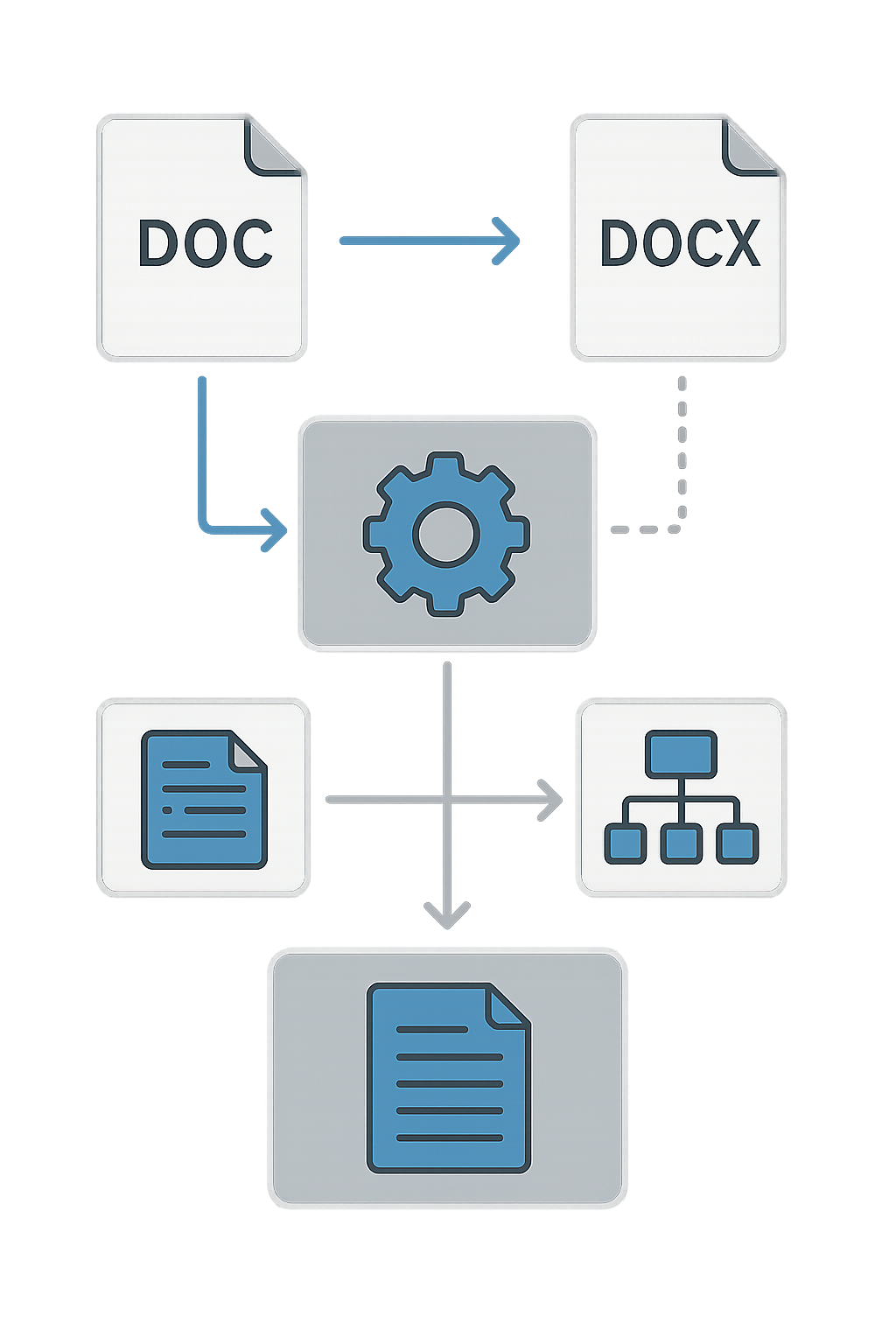
| Feature | DOC | DOCX |
|---|---|---|
| File Size | Larger | Smaller due to compression |
| Format Type | Binary | XML |
| Compatibility | Older versions of Word | Newer Word versions and online editors |
| Data Recovery | Limited | Better chances |
| Collaboration | Basic | Advanced features |
Frequently Asked Questions
Can I convert DOC to DOCX?
Yes, you can easily convert DOC files to DOCX using various tools, including online converters like WordOnline.online.
Which format is better for online sharing?
DOCX is generally better for online sharing due to its smaller size and better compatibility with web-based editors.
Are there any limitations to using DOCX?
While DOCX offers many advantages, some older software may not support this format, leading to compatibility issues.
How do I open a DOCX file in older versions of Word?
You may need to install a compatibility pack to open DOCX files in older versions of Microsoft Word effectively.
What tool can I use to create DOCX files without Microsoft 365?
You can use free tools like WordOnline.online for creating and editing DOCX files without any signup.
Conclusion
In summary, understanding the differences between DOC and DOCX can significantly impact your document management and sharing strategies. For versatile, modern document needs, consider using DOCX, and explore tools like WordOnline.online for quick document editing and conversion needs.