
Your Quick Guide to Editing DOCX Files Online
Editing DOCX files online for free is fast and accessible through various platforms that allow real-time editing and easy document management. With no sign-up or downloads needed, you can seamlessly modify your files directly in your browser.
Benefits of Using Online DOCX Editors
Online DOCX editors offer numerous advantages:
- Accessibility: Edit files from any device with an internet connection.
- User-Friendly: Intuitive interfaces make editing straightforward, even for beginners.
- No Installation Required: Use tools directly in your browser without downloading software.
- Collaborative Features: Easily share documents for real-time collaboration.
Step-by-Step Guide to Edit DOCX Files Online for Free
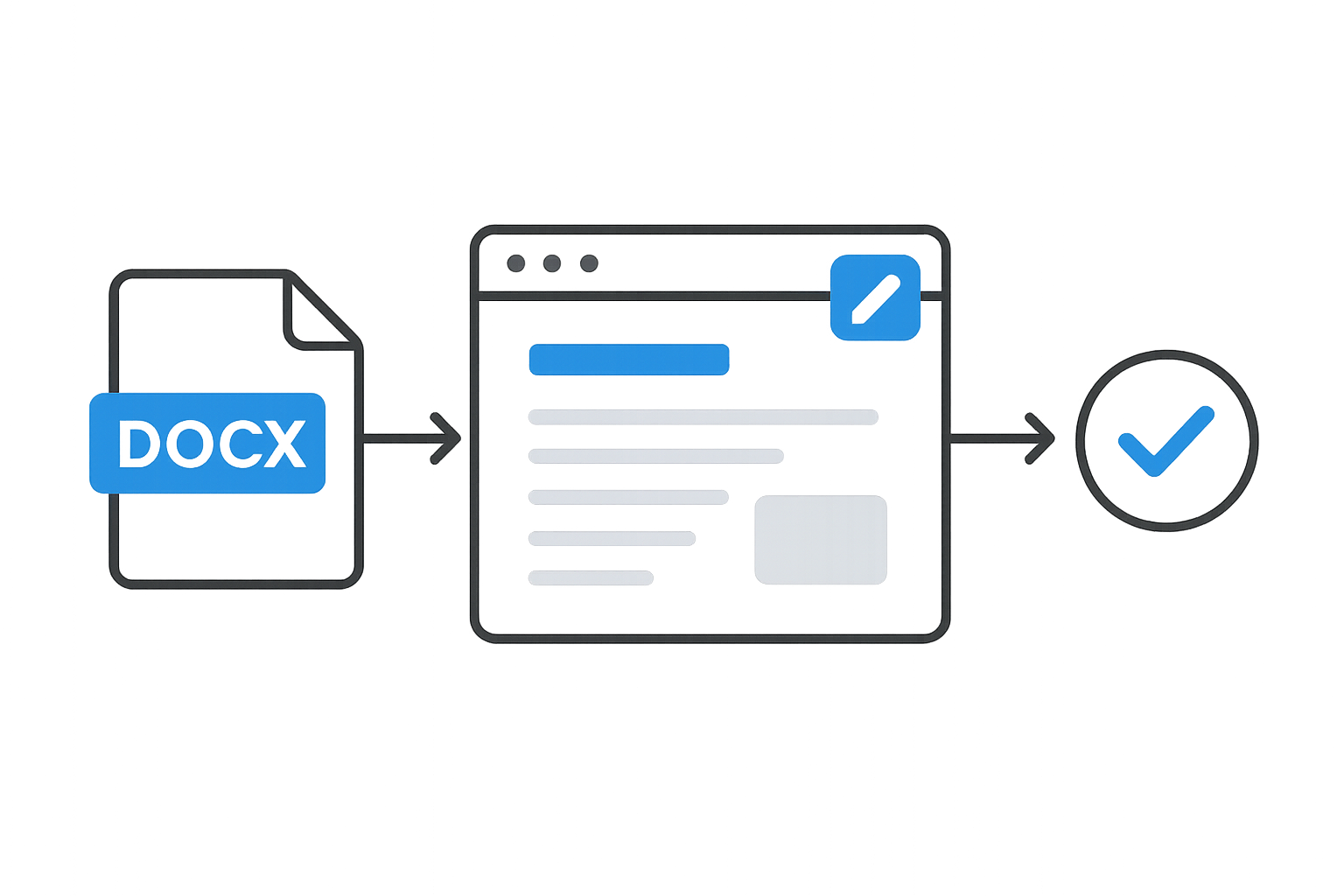
Follow these steps to edit your DOCX files quickly:
- Choose an Online Editor: Select a platform like WordOnline.online, which provides free editing without signup.
- Upload Your DOCX File: Use the upload button to select your file from your device.
- Edit the Document: Utilize editing tools available on the platform to modify text, add images, or change formatting.
- Save Your Changes: Once your edits are complete, save your document directly to your device or export as a different file format.
Comparing Popular Online DOCX Editing Tools
| Tool | Features | Free Access | Collaboration |
|---|---|---|---|
| WordOnline.online | Document editing, formatting, real-time word counter | ✔️ No signup required | ✔️ Yes |
| Microsoft Word Online | Full Microsoft Office features | ✔️ Limited | ✔️ Yes |
| Google Docs | Real-time collaboration, commenting, versatile tools | ✔️ Required Google account | ✔️ Yes |
Tips for Saving and Sharing Your Edited DOCX Files
After editing your document, consider these tips:
- Choose the Right Format: Save as DOCX for compatibility or PDF for fixed formatting.
- Use Cloud Services: Save directly to cloud storage (like Google Drive or Dropbox) for easy access from any device.
- Share Links: If available, use shareable links for seamless collaboration with others.
Frequently Asked Questions
Can I edit DOCX files for free online?
Yes, numerous platforms allow you to edit DOCX files for free directly in your browser without any signup.
Are there limits to online DOCX editing tools?
Some tools may have limitations on file size or advanced features available only in premium versions.
Is my document secure when editing online?
Use reputable online editors that prioritize data security and have privacy policies in place.
How can I convert my edited DOCX file to PDF?
After editing, use built-in tools or separate converters to easily export your document as a PDF.
Do I need an account to edit documents online?
No, many online editors allow you to edit documents without creating an account, offering immediate access.
Conclusion
Editing DOCX files online is a quick and efficient process using tools like WordOnline.online. With no signup needed and a range of features, you can easily create, edit, and convert documents right in your browser. For more tools, explore our offerings: free word editor, word counter, PDF to Word converter, and Word to PDF converter.