
Introduction to Online Word Editing
Online word editing allows users to modify, format, and collaborate on Word documents through web-based platforms without needing software downloads. It provides accessible and seamless editing directly from your browser.
Top Free Tools for Editing Word Documents Online
Several online platforms facilitate the editing of Word documents for free. Here are some of the best options:
| Tool | Features | File Formats Supported |
|---|---|---|
| Google Docs | Real-time collaboration, cloud storage | .docx, .doc, .txt |
| Word Online | Full Word experience, cloud-based | .docx, .doc |
| Zoho Writer | Branding options, extensive formatting | .docx, .odt |
| PDFescape | PDF editing, form filling | .pdf, .docx |
| Sejda | Easy PDF conversion to Word, text editing | .pdf, .docx |
Step-by-Step Guide to Editing Documents Without Downloading
Follow these clear steps to edit Word documents online:
- Choose a Tool: Pick one of the free online editors listed above.
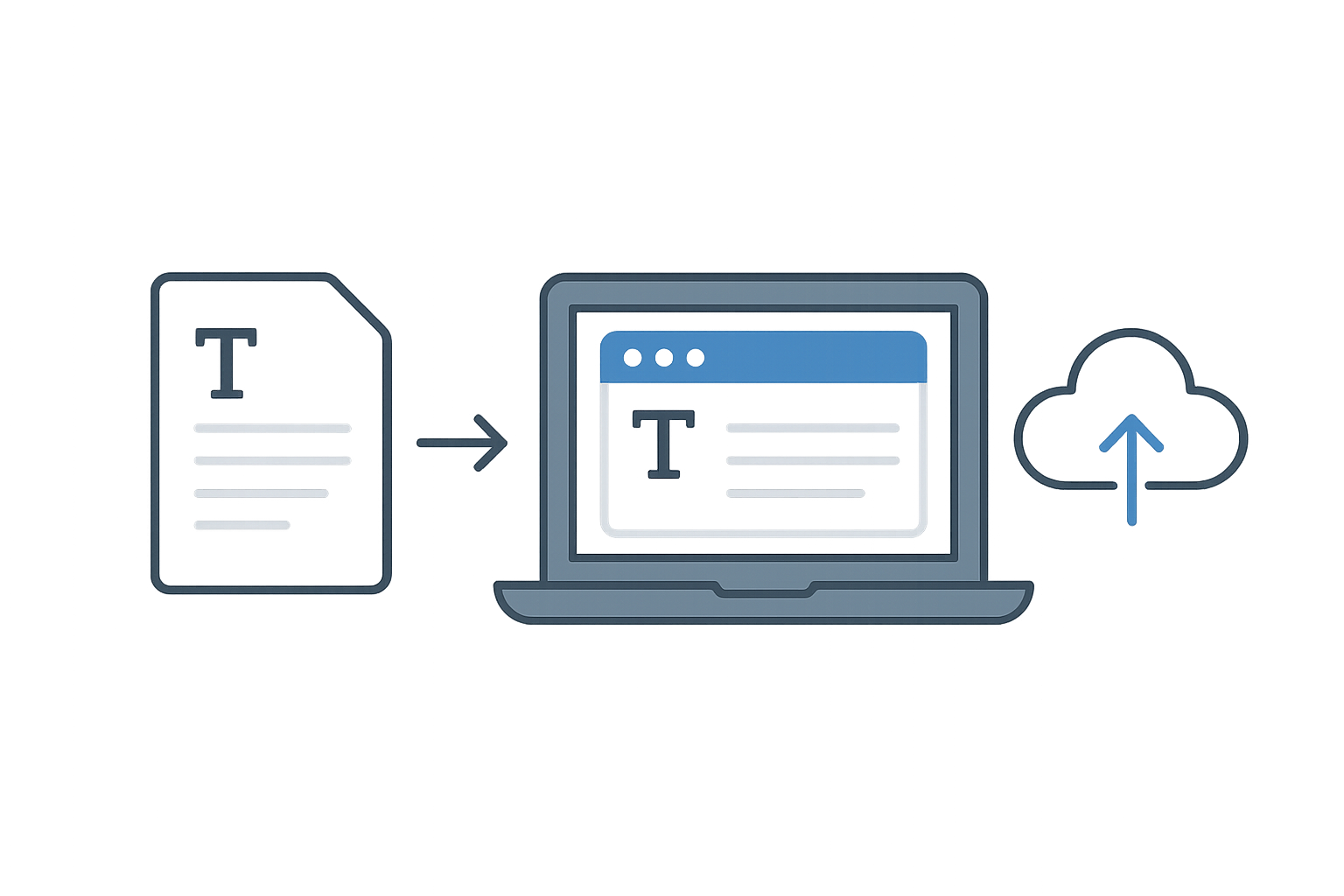
- Upload Your Document: Look for the "Upload" or "Open" option and select your Word file.
- Start Editing: Utilize the available editing tools like text modifications, inserting images, and formatting options.
- Save Your Changes: After completing your edits, save your document back to your local drive or cloud storage using the "Download" option.
Pros and Cons of Online VS Offline Word Editing
Pros:
- Access from anywhere with an internet connection.
- Easy collaboration with others in real-time.
- No installation or storage requirements.
Cons:
- Dependent on stable internet connectivity.
- Potential privacy concerns with document storage.
- Limited functionality compared to full desktop versions.
Conclusion and Recommendations
Editing Word documents online for free offers convenience and flexibility. Choose a tool that fits your editing style, and consider privacy implications. For best results, use Google Docs or Word Online for their robust features.
For more editing tools visit our free word editor or check out our word counter for additional features!
Frequently Asked Questions
Can I edit Word documents online for free?
Yes, various platforms like Google Docs and Word Online allow free editing of Word documents without downloads.
Do I need to create an account?
Most tools do not require an account for editing, but some offer enhanced features with sign-up.
What file formats can I edit online?
You can typically edit .docx, .doc, and sometimes .pdf files depending on the platform.
Are online editors safe to use?
While many online editors use encryption for security, always consider the privacy of sensitive documents before uploading.
How can I save my edited document?
After editing, use the 'Download' option to save your document back to your device or preferred cloud service.