
1. Introduction to Editing Word Documents Online
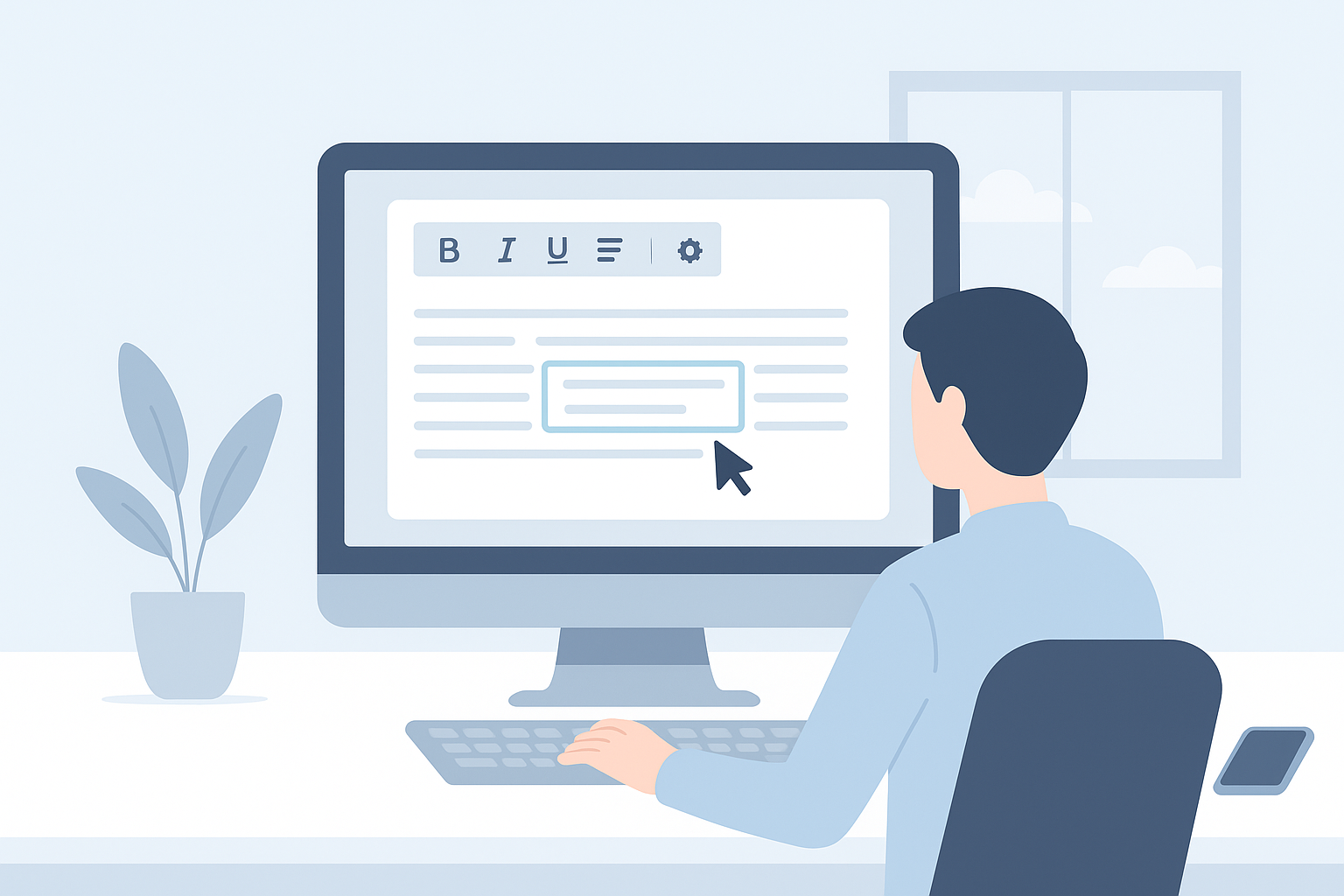
Editing Word documents online refers to the process of creating, modifying, and saving Word files using a browser-based tool without the need for installations or subscriptions. It offers users flexibility and ease of access from any device.
2. Benefits of Using Online Word Editors
- No Installation Required: Access your documents anytime, anywhere.
- Real-Time Collaboration: Work simultaneously with others on the same document.
- Cost-Effective Solutions: Most functionalities are available at no cost.
- User-Friendly Interfaces: Simplified navigation helps both beginners and experts.
3. Step-by-Step Guide to Editing Word Online for Free
- Choose Your Online Editor: Start by selecting a reliable online Word editor such as WordOnline.online.
- Open the Tool: Launch the web browser and navigate to the editor's URL (e.g., WordOnline.online).
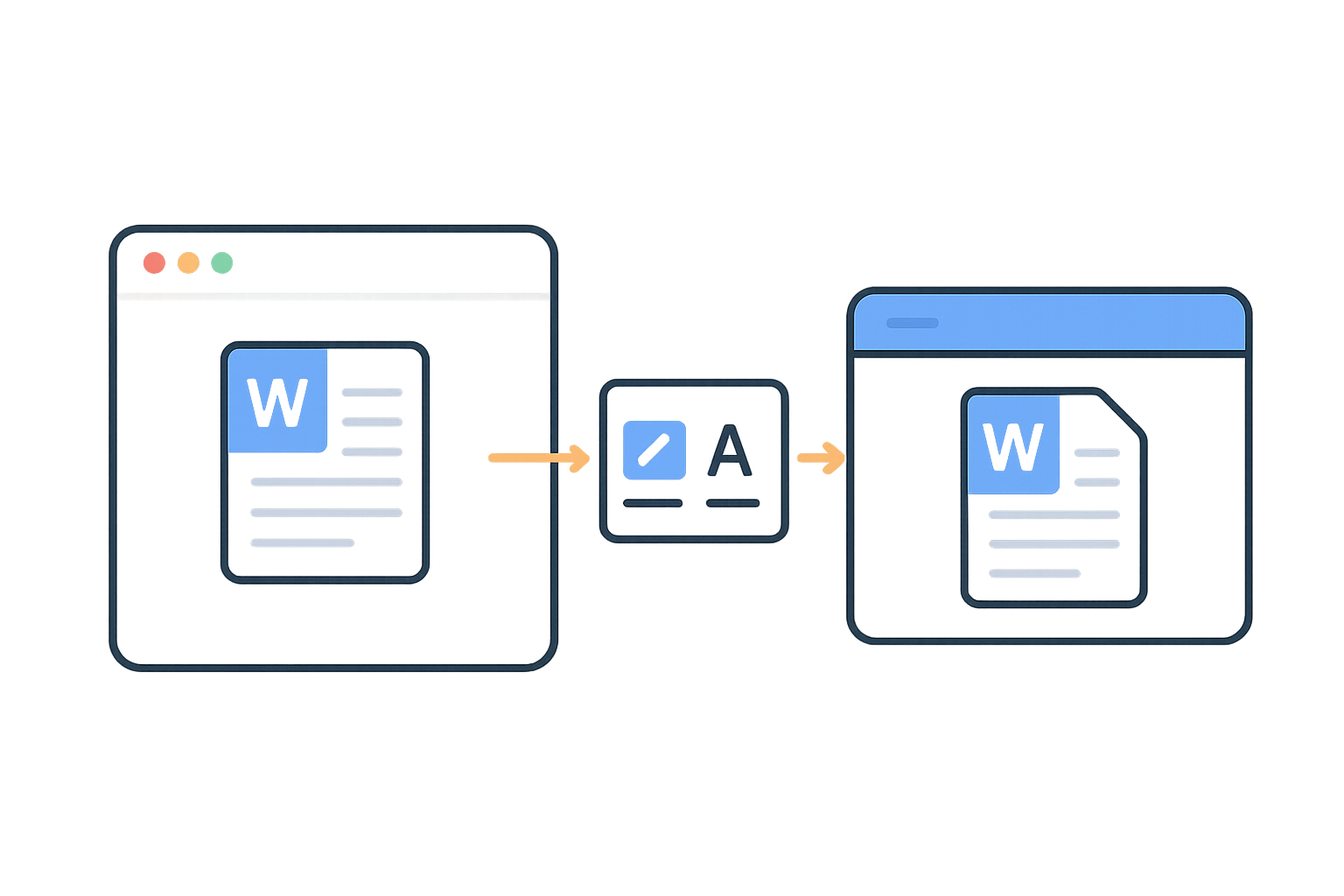
- Upload Your Document: Use the upload button to add your Word file in .doc or .docx format.
- Edit the Document: Utilize various editing features like text formatting, inserting images, and adjusting layout.
- Save or Export: Once editing is complete, you can save your changes or export the file in different formats.
- Review and Finalize: Make a final review of your document before sharing or downloading it.
4. Best Online Tools for Word Editing
| Feature | WordOnline.online | Microsoft Word Online | Google Docs |
|---|---|---|---|
| Cost | Free | Subscription-based | Free |
| Real-Time Collaboration | Yes | Yes | Yes |
| File Formats Supported | .doc, .docx, .pdf | .docx | .gdoc, .docx |
| User Interface | Minimalist | Similar to desktop | Clean and simple |
5. Conclusion and Further Resources
Editing Word documents online offers a fast and efficient solution for users looking to manage their documents without the burden of software installations. For a seamless online editing experience, visit WordOnline.online. Explore our Word Counter tool for quick statistics, and check out our PDF to Word converter for additional utility.
Frequently Asked Questions
Is editing Word documents online secure?
Yes, most reputable online editors implement security measures to protect your documents during editing.
Can I edit documents with others in real-time?
Absolutely! Many online editors, including WordOnline.online, provide features for real-time collaboration.
What file formats can I open and edit?
Typically, you can open and edit .doc, .docx, and sometimes .pdf files in various online editors.
Do I need to create an account to use these online tools?
No, WordOnline.online allows you to edit documents without signing up, providing a hassle-free experience.
How do I save my edits?
You can usually save your changes directly in the online editor or download the edited document in your preferred format.