
What Does It Mean to Edit Word Online for Free?
Editing Word documents online for free allows users to create, modify, and format documents directly in their web browser without any software installations or sign-ups. It provides a hassle-free solution for anyone needing document editing capabilities.
Introduction to Editing Word Documents Online
In today’s digital landscape, accessing word processing capabilities without the requirement of installing software has become increasingly important. Online editing platforms provide a reliable solution for quickly editing Word documents across various devices without the constraints of traditional software.
Benefits of Using Online Editors
- Accessibility: Edit documents from anywhere with internet access.
- Cost-effective: Many online editors are free to use, eliminating software purchase costs.
- Real-time collaboration: Share documents effortlessly with others for collaborative editing.
- No installation required: Use directly from your browser, saving storage and setup time.
- Compatibility: Works with multiple formats including DOCX, PDF, and more.
Step-by-Step Guide to Editing Word Online
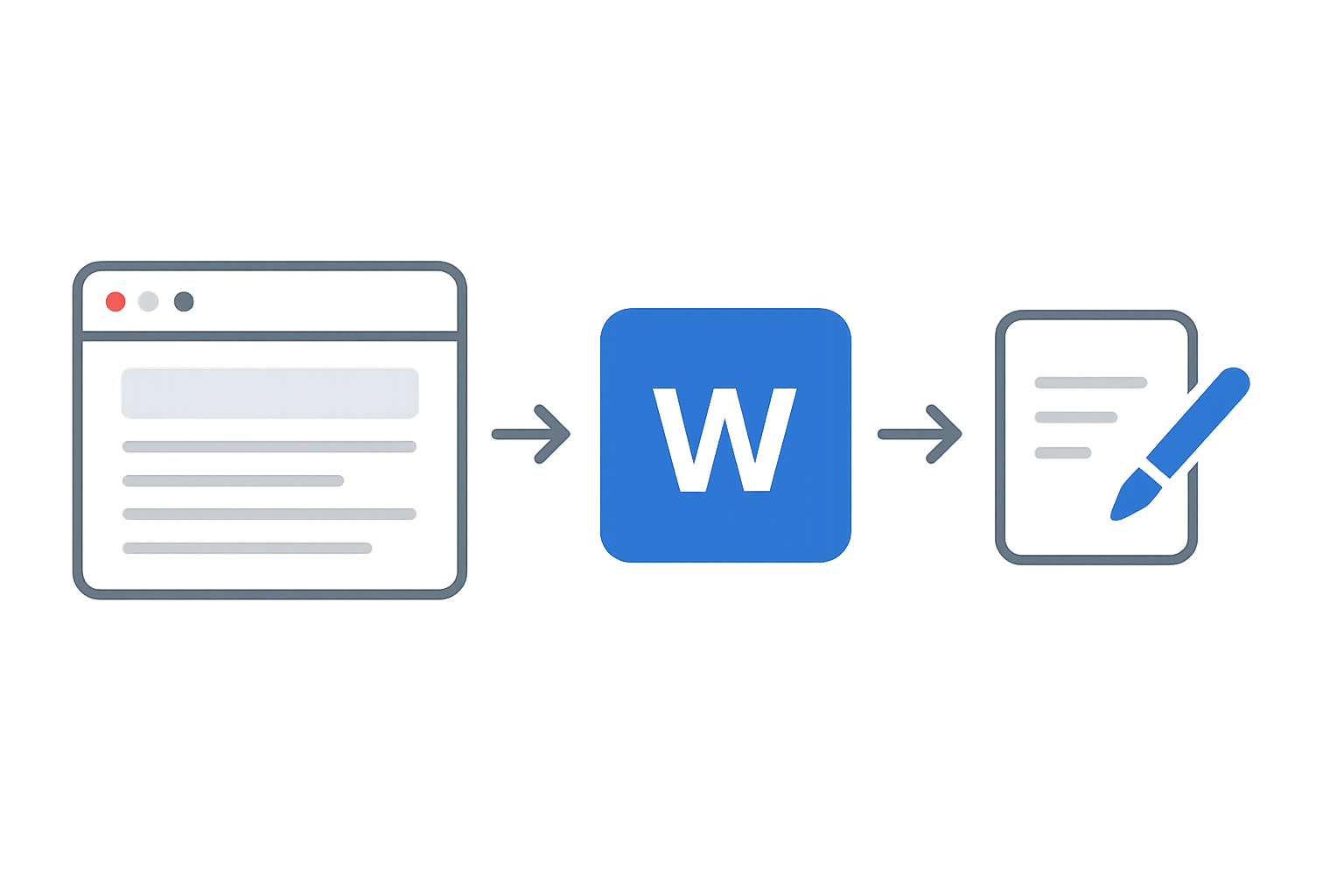
- Open the WordOnline.online Platform: Navigate to WordOnline.online in your web browser.
- Upload Your Document: Use the file upload feature to grab your DOCX or other supported files.
- Edit Your Document: Make desired changes using the user-friendly interface that allows you to format text, adjust layout, and insert images.
- Preview Changes: Regularly preview your document to see how changes reflect in real-time.
- Save Your Document: Once satisfied with the edits, save your updated file by downloading it back to your device or converting it to different formats.
Comparing Online Word Editors
| Feature | WordOnline.online | Microsoft Word Online | Google Docs |
|---|---|---|---|
| Cost | Free | Free with limitations | Free with limitations |
| User Registration | No registration required | Requires Microsoft Account | Requires Google Account |
| File Conversion | Yes (DOCX to PDF and vice versa) | Limited | Limited |
| Real-time Collaboration | Yes | Yes | Yes |
| Supported Formats | DOCX, PDF, TXT | DOCX | DOCX, ODT |
Frequently Asked Questions
Can I edit documents without an internet connection?
No, online editors require an active internet connection to access and edit documents.
Is my data safe using online editors?
WordOnline.online prioritizes user privacy, ensuring documents are not stored long-term after editing sessions.
What file formats does WordOnline.online support?
The platform supports DOCX, PDF, and TXT formats, allowing flexible document processing.
Are there any limits to the number of documents I can edit?
No, there are no limits to the number of documents you can edit, making it convenient for regular use.
Do I need to download anything to use this service?
No downloads or installations are required; simply access the platform via your web browser.
Conclusion
Editing Word documents online for free is a seamless experience with platforms like WordOnline.online. Perfect for quick edits, conversions, and collaboration, this tool stands out as a user-friendly alternative to traditional software. Get started today by visiting our free Word editor or explore our other tools like Word counter and converters for PDF to Word and vice versa.