
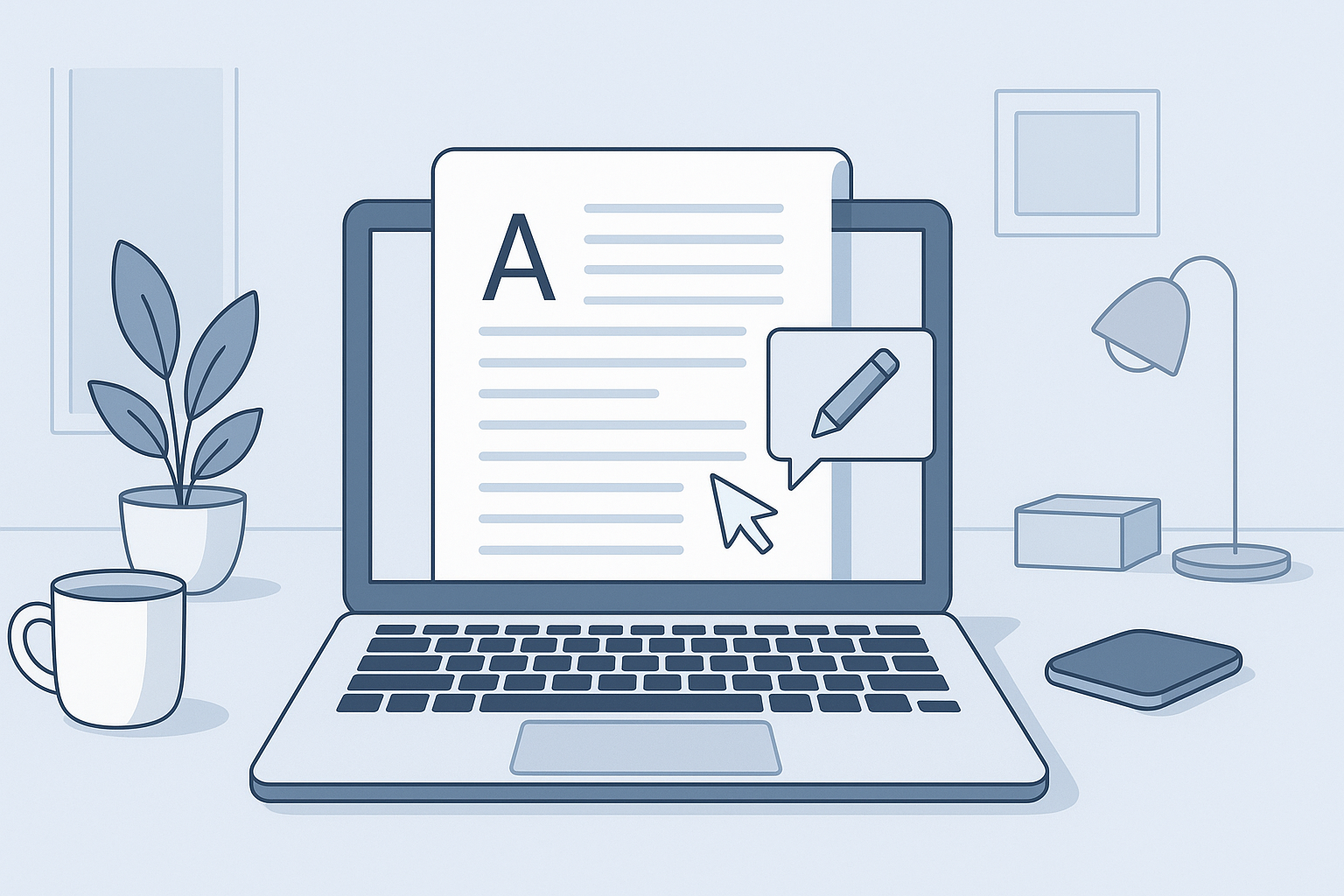
Introduction to Editing Word Documents Online
Editing Word documents online for free enables users to make quick edits without the need for desktop software. Using web-based editors, you can easily access, modify, and share documents from anywhere, anytime, and on any device.
Top Free Tools for Editing Word Documents
Here are some of the best free tools available for editing Word documents online:
| Tool Name | Key Features | Supported Formats |
|---|---|---|
| Google Docs | Real-time collaboration, cloud-saving, excellent formatting options | DOCX, DOC, PDF, ODT |
| Microsoft Word Online | Familiar interface, robust features, integration with OneDrive | DOCX, DOC, RTF |
| Zoho Writer | Advanced formatting, document sharing, offline capabilities | DOCX, DOC, ODT |
| PDFescape | PDF editing, form filling, text editing |
Step-by-Step Guide to Using Online Editors
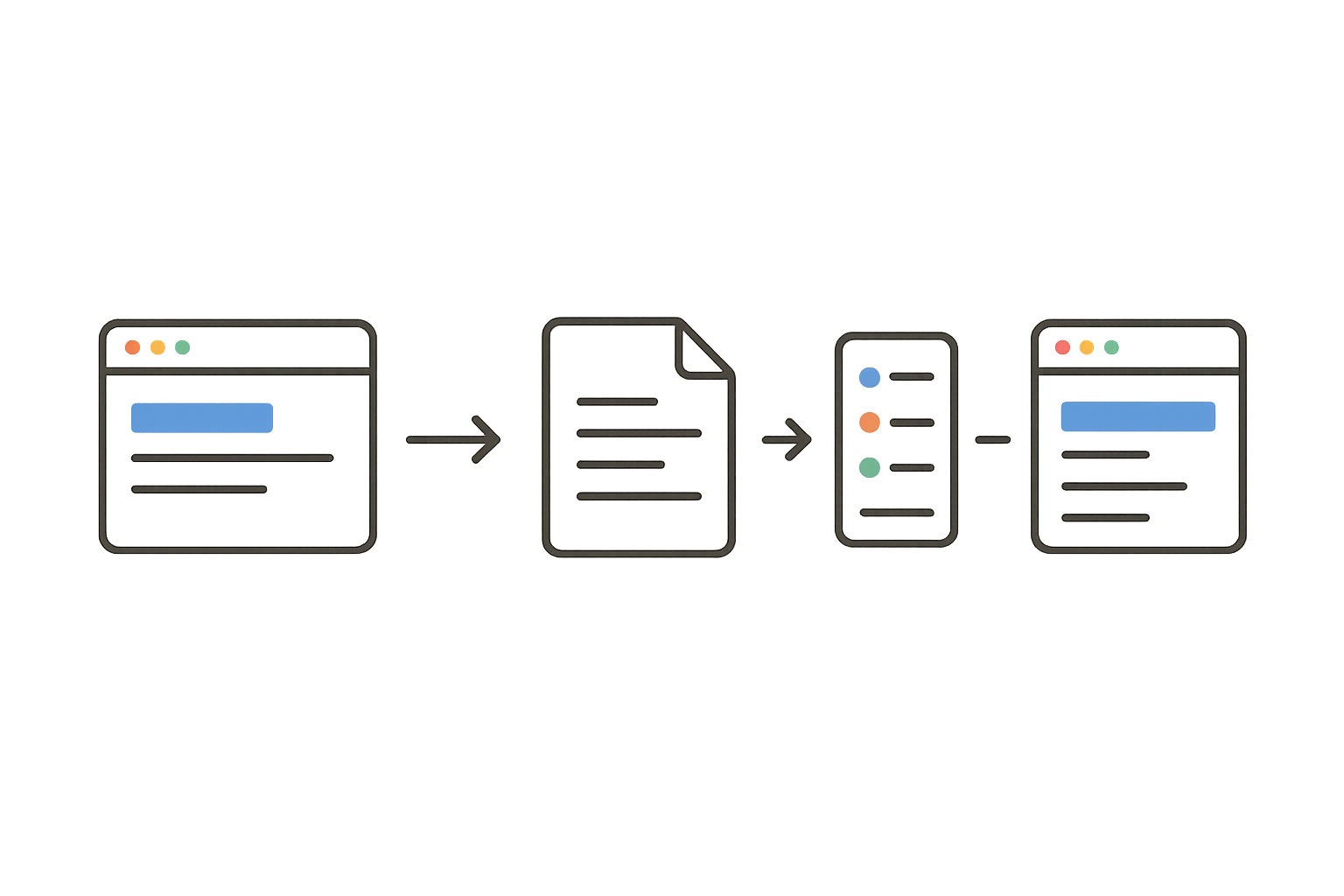
- Choose an Editing Tool: Select one of the free tools based on your requirements.
- Upload Your Document: Navigate to the chosen tool's upload feature and upload your Word document or drag and drop it into the interface.
- Edit the Document: Make changes, format text, add comments, or collaborate with others in real time.
- Save and Share: Once editing is complete, choose to save the document back to your device or share it directly with others through the tool’s sharing options.
- Download the Final Version: Download the edited document in your desired format.
Tips for Optimizing Your Online Editing Experience
- Ensure a stable internet connection for seamless editing.
- Familiarize yourself with the tool's shortcuts and features.
- Regularly save your work to prevent data loss.
- Utilize collaborative features to enhance teamwork.
Conclusion: Benefits of Editing Word Docs Online
Editing Word documents online offers unparalleled convenience, flexibility, and accessibility. By leveraging powerful tools available for free, you can easily collaborate, edit, and share documents without complex software installations. Start editing today using our recommended tools at /free-word-editor/, and don't forget to explore our /word-counter/ or /pdf-to-word/ for more document management solutions.
Frequently Asked Questions
Can I edit Word documents for free?
Yes, many tools, such as Google Docs and Microsoft Word Online, allow you to edit Word documents free of charge.
Are online document editors secure?
Most reputable online document editors use encryption and other security measures to protect your files, but always check their privacy policies.
Do I need to create an account to use these online tools?
While many tools allow guest access, creating an account often unlocks additional features and facilitates easier document sharing.
Can I collaborate with others when editing online?
Yes, many online editors offer real-time collaboration features, allowing multiple users to edit the same document simultaneously.
What formats can I edit online?
You can edit a variety of formats, including DOCX, DOC, ODT, and PDF, depending on the tool you choose.