
Introduction to Online Word Editors
Online word editing options allow users to create, edit, and collaborate on documents using a web browser. These tools offer various features without the need for installation or sign-up, making them accessible to everyone.
Benefits of Editing Word Online
- Accessibility: Access from any device with internet connectivity.
- No Installation Required: Start editing immediately without downloads.
- Collaboration: Work seamlessly with others in real-time.
- Cost-Free: Most online editors offer free access.
How to Choose the Right Online Word Editor
- Identify Your Needs: Determine what features matter most (e.g., editing, formatting, collaboration).
- Compatibility: Ensure the editor can handle the document formats you use.
- User Interface: Opt for a simple, intuitive layout for ease of use.
- Consider Security: Check privacy policies and data handling practices.
- Test with a Sample Document: Try editing a sample document to gauge performance.
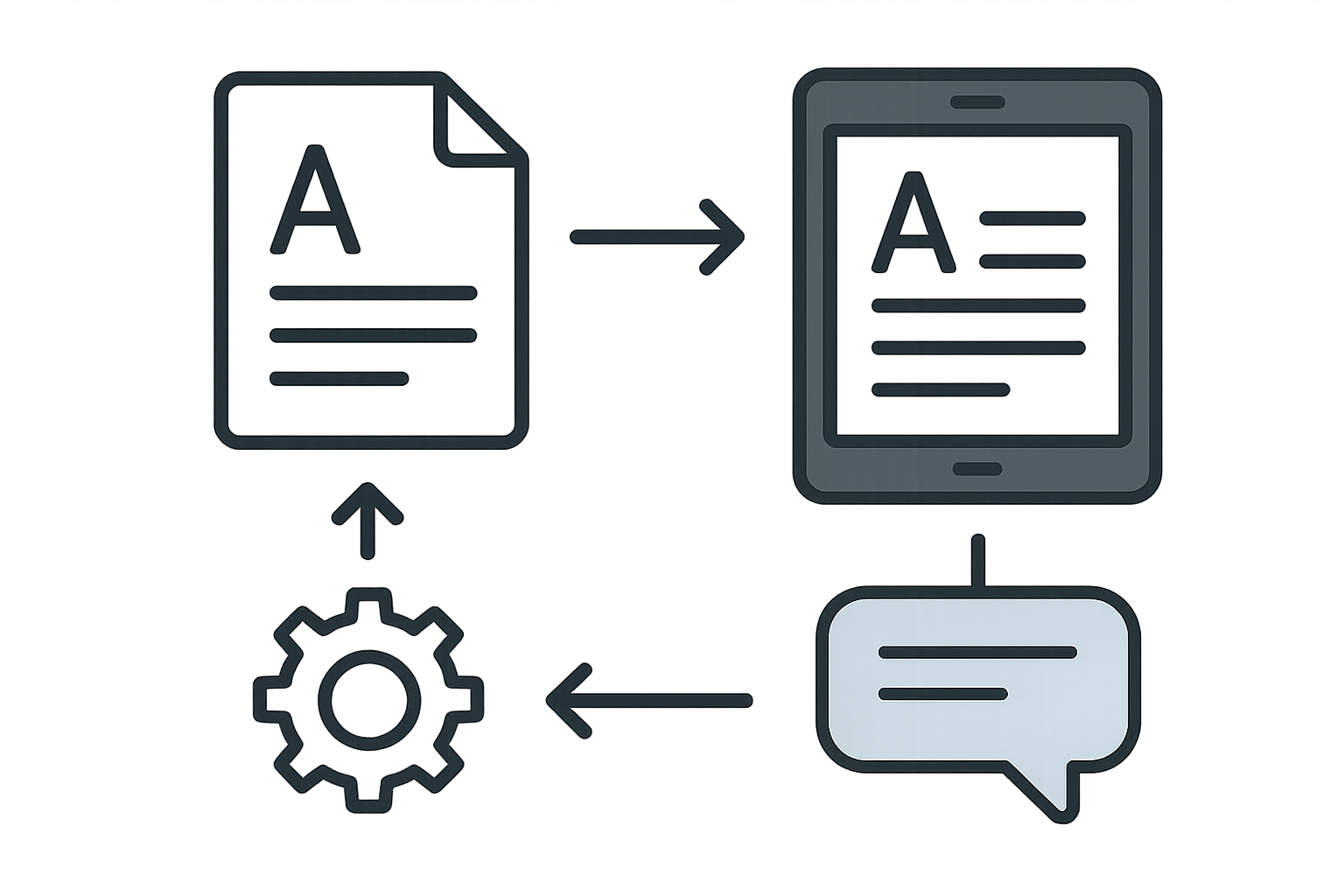
Comparative Analysis of Top Online Word Editors
| Feature | WordOnline.online | Google Docs | Microsoft Word Online |
|---|---|---|---|
| Free Access | ✔️ | ✔️ | ✔️ |
| No Signup Required | ✔️ | ❌ | ❌ |
| Real-time Collaboration | ✔️ | ✔️ | ✔️ |
| Document Format Compatibility | DOCX, PDF | DOCX, PDF | DOCX, PDF |
| Offline Mode | ❌ | ✔️ | ✔️ |
Conclusion and Recommendations
Choosing the right online word editor can streamline your document creation process. For a quick, hassle-free option, consider WordOnline.online which allows for editing and converting without sign-up. For more sophisticated needs, Google Docs and Microsoft Word Online offer more robust features but require an account.
Frequently Asked Questions
Can I edit documents offline using online editors?
No, most online editors require an internet connection to function but some like Google Docs offer limited offline capabilities.
Is my data safe when using online word editors?
It's important to review each editor's privacy policy. Tools like WordOnline.online take user privacy seriously.
How do I convert a PDF to a Word document online?
You can use free converters like WordOnline.online's PDF to Word converter for high-quality conversions without losing formatting.
Are there any limitations to using free online word editors?
Some free versions might have limited features or advertisements, but tools like WordOnline.online provide essential services without sign-up hassles.
Do I need to install any software to use online word editors?
No installation is needed; simply navigate to the website in a browser to start editing your documents.