
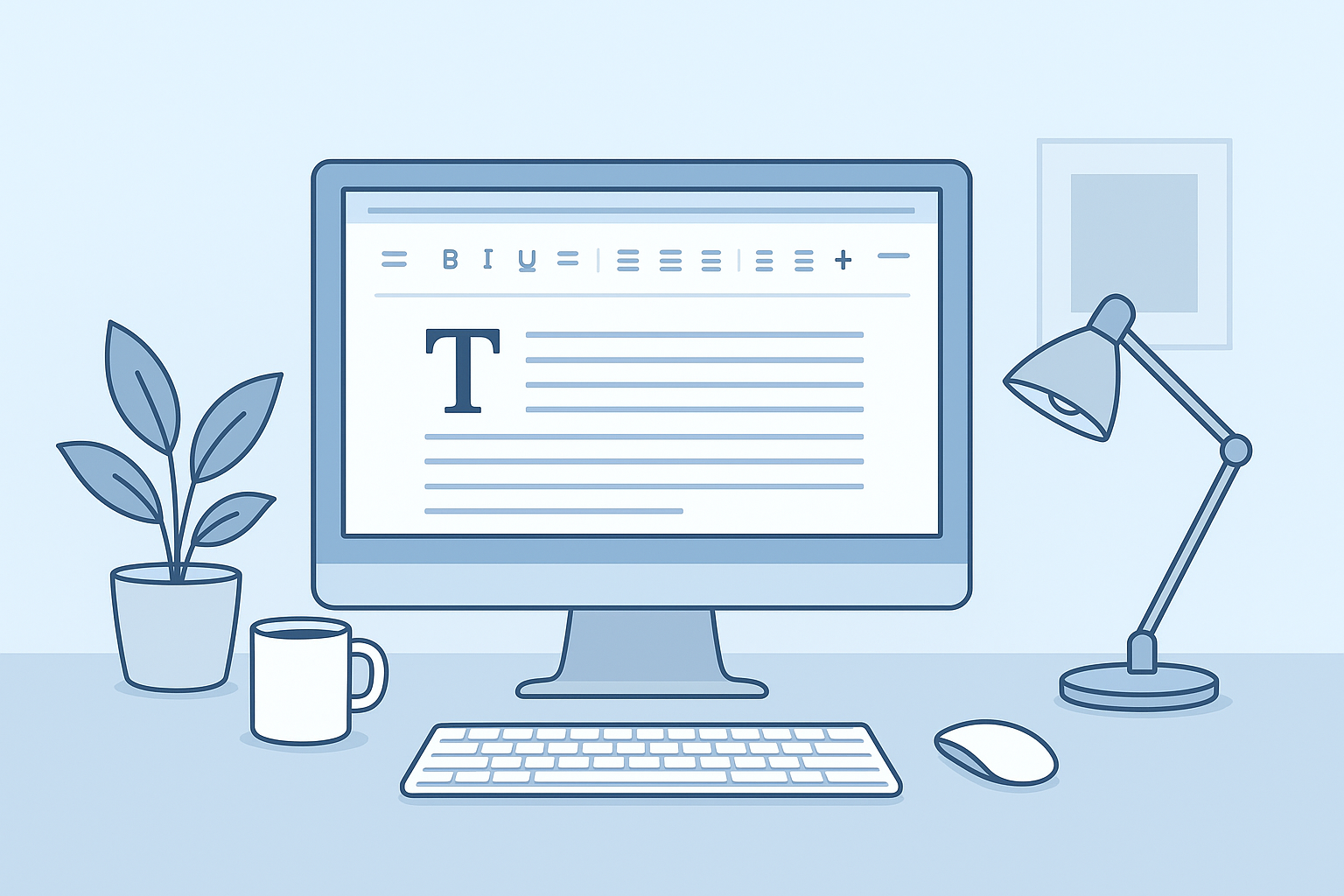
What is a Free Online Word Editor?
A free online word editor is a web-based tool designed for users to create, edit, and convert documents without the need for complex software installations or sign-ups. It provides a seamless experience directly in a browser, making document management effortless and efficient.
Introduction to Free Online Word Editors
The landscape of document editing has evolved significantly with the advent of online tools. No longer constrained by the limitations of desktop applications, users can now access lightweight word editors from any web-enabled device. WordOnline.online stands out as an independent solution, freeing users from sign-up processes and providing quick access to essential document features.
Key Features of Our Free Word Editor
- No Sign-Up Required: Start editing without the hassle of creating an account.
- Real-Time Word Counter: Keep track of your word count effortlessly.
- PDF Conversion: Convert PDFs to Word documents and vice versa efficiently.
- Intuitive User Interface: Designed for ease of use, even for those who may not be tech-savvy.
- Compatibility: Works seamlessly across various devices and browsers.
How to Create a Word Document Online
- Access the Editor: Go to WordOnline.online in your preferred browser.
- Start a New Document: Click on the 'Create New Document' option to open a blank workspace.
- Title Your Document: Define a title by clicking the text area at the top.
- Use Text Formatting Tools: Explore options such as bold, italic, and underline to enhance your document.
- Save Your Work: Regularly save your document locally or in PDF format using the provided options.
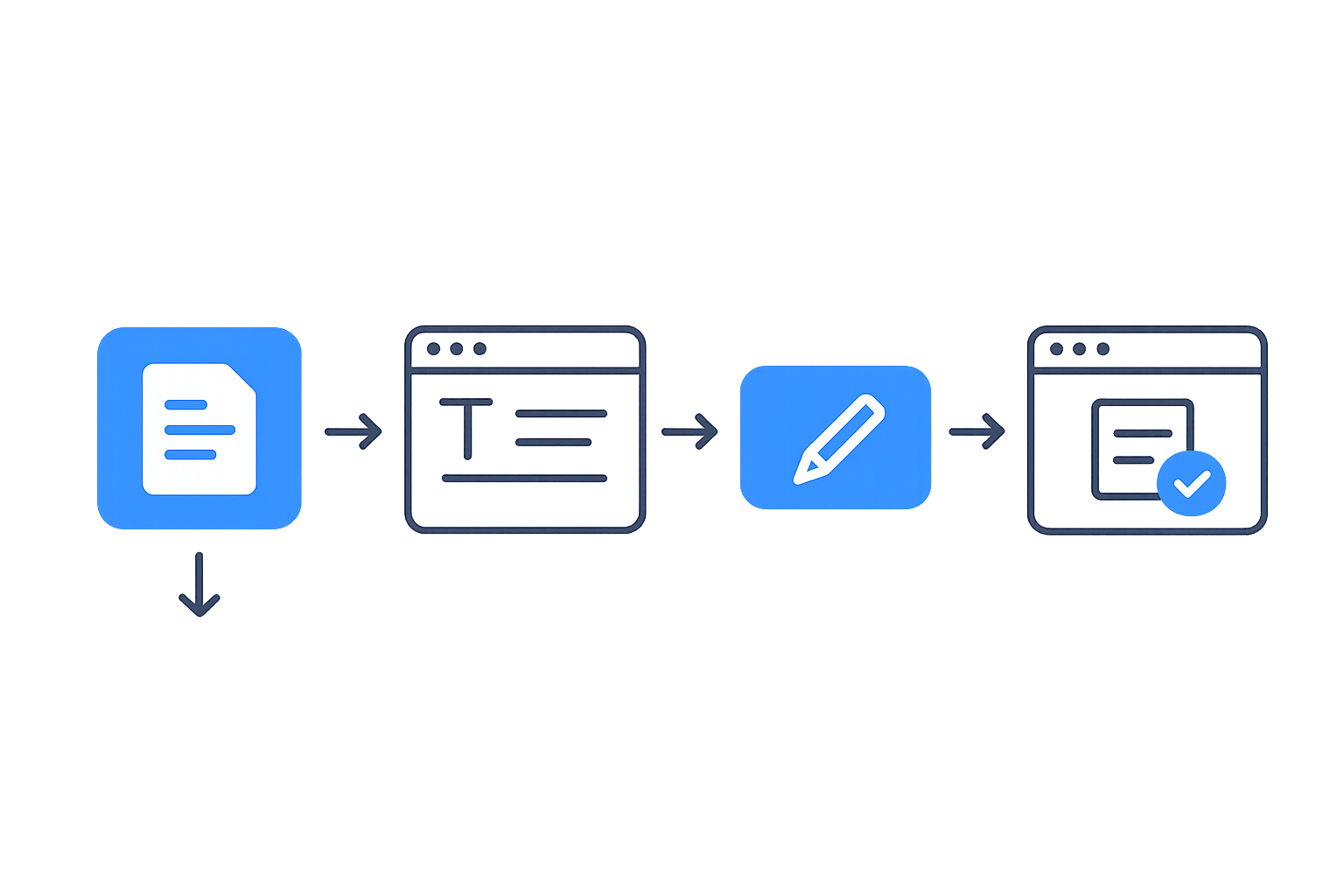
Editing Made Easy: Steps and Tips
- Open your Document: Load the document you wish to edit from your local storage.
- Utilize the Editing Tools: Take advantage of tools for text alignment, bullet points, and numbering.
- Implement Changes: Use the 'Find and Replace' functionality for quick edits.
- Format Your Document: Adjust line spacing, paragraph settings, and margins to fit your style.
- Finalize Edits: Review the entire document for any errors and ensure it meets your standards.
Conclusion: Benefits of Using an Online Word Editor
Online word editors like WordOnline.online provide unmatched convenience and accessibility. Users can create, edit, and convert documents without the frustration of software limitations or sign-up requirements. The tool not only saves time but also enhances productivity, making document management simpler and more efficient.
Feature Comparison
| Feature | WordOnline.online | Google Docs | Microsoft Word Online |
|---|---|---|---|
| No Sign-Up Required | Yes | No | No |
| Real-Time Editing | Yes | Yes | Yes |
| PDF Conversion | Yes | Yes | Yes |
| Offline Access | No | Yes | Yes |
| Cost | Free | Free (with limitations) | Free (limited features) |
Frequently Asked Questions
Is WordOnline.online completely free to use?
Yes, WordOnline.online is entirely free with no hidden costs or features behind a paywall.
Can I save my documents on WordOnline.online?
Absolutely! You can easily save your documents locally or convert them to PDF format.
What file formats can I convert?
You can convert documents from PDF to Word and vice versa using our reliable tool.
Do I need to download anything to use the Word editor?
No downloads are necessary. Everything operates directly from your web browser.
How secure is my data with WordOnline.online?
Your data privacy is respected, as documents are not stored permanently on our server.
Try It Now!
Experience the ease of using WordOnline.online for your document needs. Visit our free word editor, check out the word counter, or try our PDF to Word converter and Word to PDF converter today!