

Quick Direct Answer
A free word editor online without signing up allows users to create, edit, and share documents directly in their browser without any registration requirements.
Introduction to Free Word Editors Online
With the rise of remote work and digital collaboration, having access to a free word editor online has become essential for many users. These platforms eliminate the need for software installations and complex setup processes, allowing for immediate use. WordOnline.online is a prime example that offers a streamlined experience for users looking to craft documents quickly and efficiently.
Benefits of Using a Free Word Editor No Sign-Up Required
- No Registration Hassles: Users can start writing immediately without the need for account creation.
- Accessibility: Access your files from any device with an internet connection.
- Real-Time Collaboration: Some platforms allow multiple users to collaborate simultaneously.
- Cost-Effective: No hidden fees or subscriptions—completely free to use.
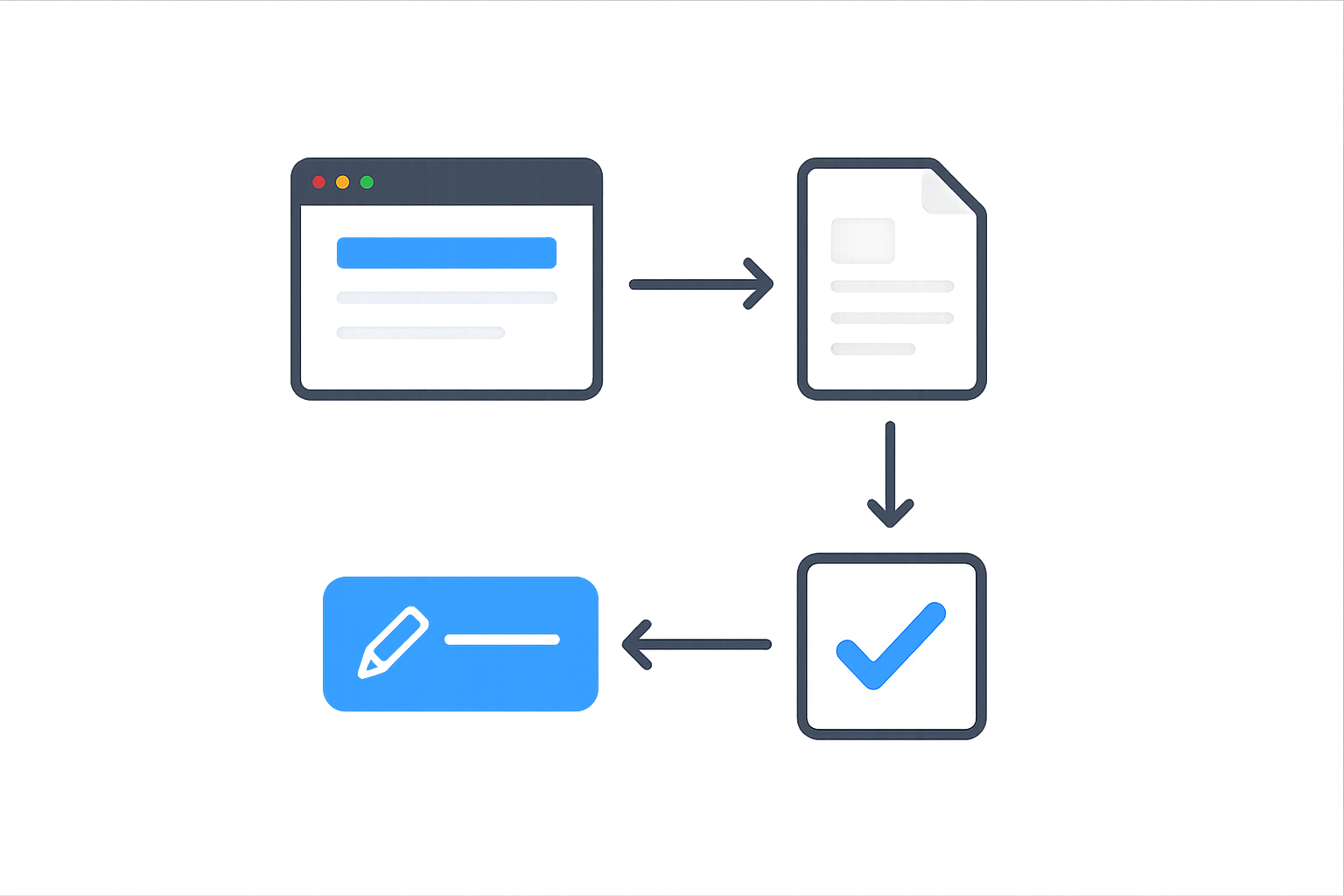
Step-by-Step Guide to Editing Documents Without Registration
- Visit WordOnline.online: Open your web browser and navigate to WordOnline.online.
- Select the Editor: Click on the editor option available on the homepage.
- Create a New Document: Click on the ‘New Document’ button to start a fresh document.
- Edit Your Document: Use the formatting options available, such as font style, size, and color, to enhance your text.
- Save Your Work: Use the export features to save your document in formats like PDF or Word.
Comparing Popular Free Word Editors: Features and Usability
Various free word editors offer a range of features. Below is a comprehensive comparison of WordOnline.online with other popular platforms:
| Feature | WordOnline.online | Google Docs | Microsoft 365 Online |
|---|---|---|---|
| No Sign-Up Required | Yes | No | No |
| File Formats Supported | PDF, DOCX | DOCX, PDF | DOCX, PDF |
| Real-Time Collaboration | No | Yes | Yes |
| User Interface | Minimalist | Feature-rich | Feature-rich |
| Offline Access | No | Yes (with setup) | Yes |
Conclusion and Additional Resources for Online Document Editing
In conclusion, using a free word editor online without signing up is a quick solution for anyone needing document creation and editing on-the-go. Tools like WordOnline.online provide a fast, efficient, and accessible way to craft and manage your documents. For more features and utilities, check out our other resources: Free Word Editor, Word Counter, PDF to Word Converter, and Word to PDF Converter.
Frequently Asked Questions
What is a free word editor online?
A free word editor online is a web-based tool that allows users to create and edit text documents without the need for software installation or registration.
Can I use WordOnline.online on my phone?
Yes, WordOnline.online is designed to be responsive and can be accessed on mobile devices through any web browser.
Are my documents saved automatically?
While WordOnline.online allows for saving documents, it's recommended to manually save your work frequently to avoid data loss.
Is there a limit to how many documents I can create?
No, there is no limit on the number of documents you can create, making it easy to work on multiple projects simultaneously.
Can I convert documents using WordOnline.online?
Yes, you can convert documents between PDF and Word formats using the built-in converter tools available on the platform.