
Quick Direct Answer
To convert PDF to Word, use an online tool that supports PDF conversion. Simply upload your PDF file, choose the conversion option, and download the resulting Word document.
Comprehensive Guide to Converting PDF to Word
Follow these steps to convert your PDF to Word using WordOnline.online:
- Visit WordOnline.online: Start by navigating to WordOnline.online.
- Select PDF to Word Converter: Click on the 'PDF to Word' converter option displayed on the homepage.
- Upload Your PDF: Click the upload button and select the PDF file you wish to convert from your device.
- Start the Conversion: After uploading, click on the 'Convert' button to initiate the conversion process.
- Download the Word Document: Once the conversion is complete, click on the download link to get your new Word file.
- Open and Edit: Open the downloaded Word document in any Word editor to make changes as needed.
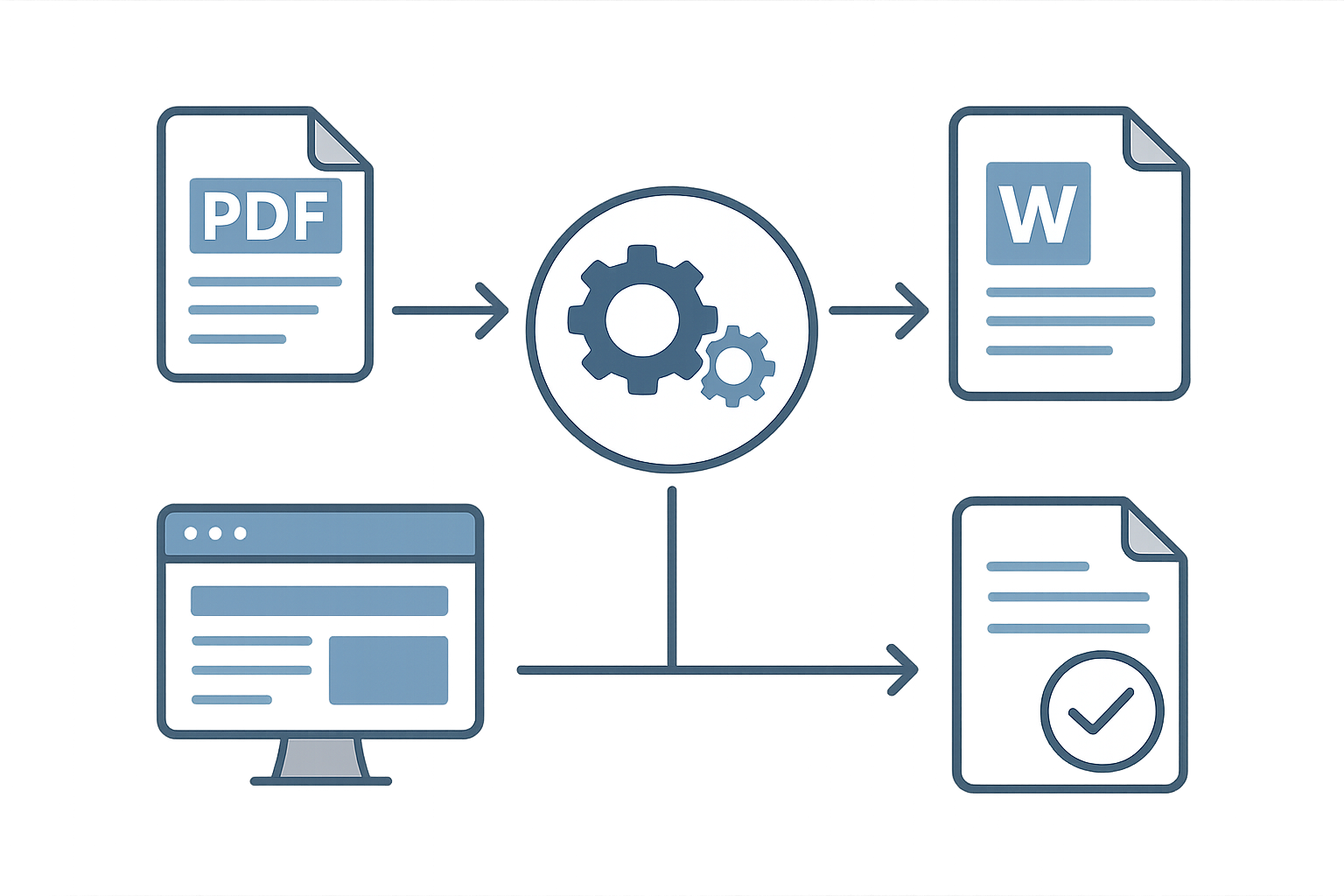
Feature Comparison of PDF to Word Conversion Tools
| Tool | PDF to Word Conversion | File Size Limit | No Signup Required | Additional Features |
|---|---|---|---|---|
| WordOnline.online | Yes | Up to 50MB | Yes | Word Counter, PDF to PDF converter |
| Microsoft 365 | Yes | Varies | No | Full Office Suite |
| Google Docs | Indirectly (requires upload) | Up to 25MB | No | Collaboration Features |
Frequently Asked Questions
Can I convert scanned PDFs to Word using WordOnline.online?
No, WordOnline.online currently supports only non-scanned PDFs for conversion.
Is the Word document converted from PDF editable?
Yes, once converted, the Word document can be edited freely in any compatible word processor.
What if my PDF file is too large?
If your PDF exceeds the file size limit, consider compressing it or splitting it into smaller files before conversion.
Are there any costs involved in using WordOnline.online?
No, WordOnline.online is completely free to use, with no registration or payments required.
Conclusion
Converting PDF to Word is a straightforward process with WordOnline.online. Enjoy the convenience and speed without the need for signups or additional software. For more document editing tools, check out our free Word editor or Word counter. Convert your documents easily at any time!