
Quick Direct Answer
To edit a PDF document without Microsoft Word, use online tools that allow direct PDF editing, conversion to editable formats, or specialized PDF software. Popular options include WordOnline.online and other free browser-based utilities.
Comprehensive Guide to Editing PDF Documents
Follow These Steps:
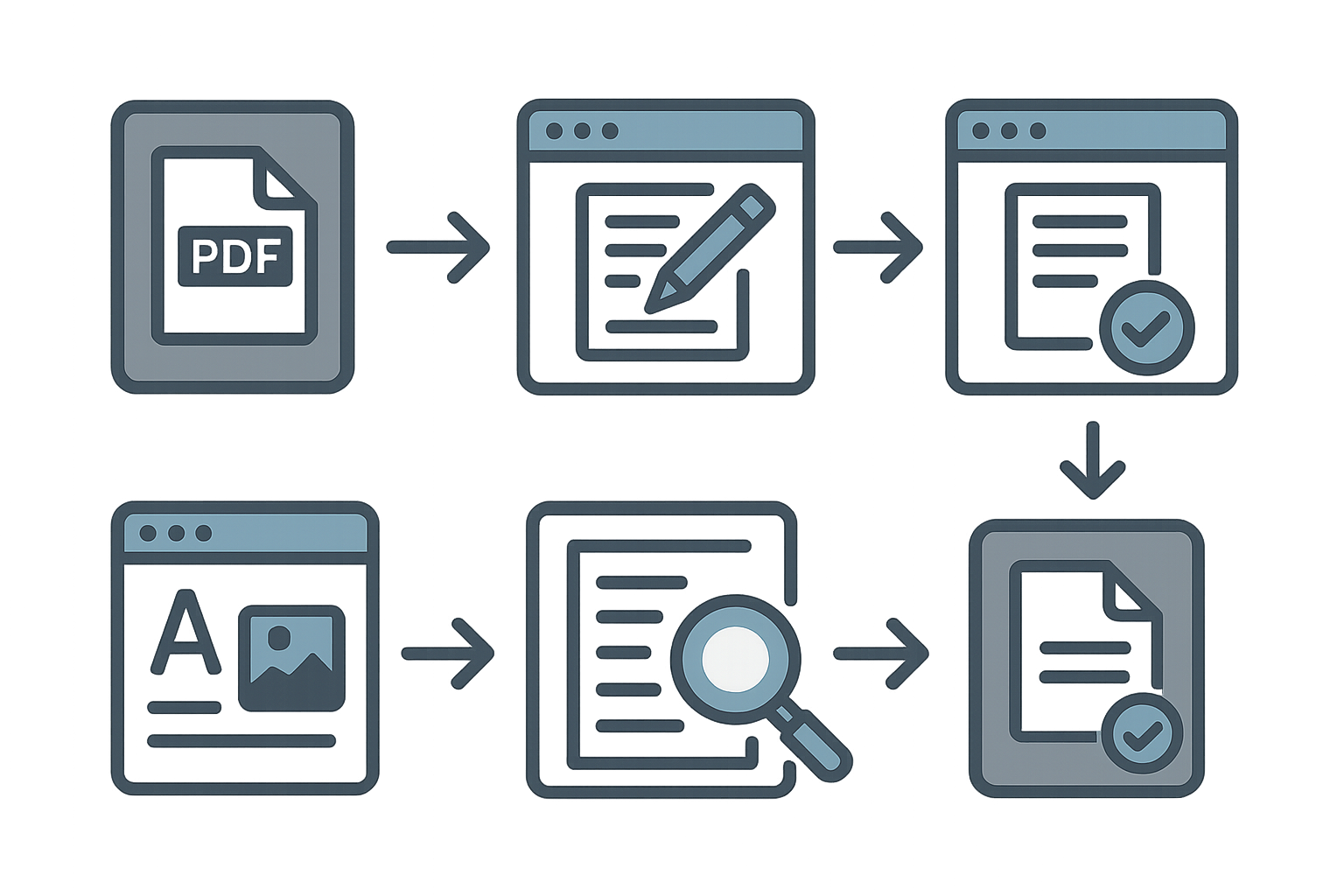
- Select an Online Tool: Choose a free online PDF editor, like WordOnline.online, which offers direct editing and document conversion.
- Upload Your PDF: Navigate to the tool’s website and upload the PDF document you want to edit. Ensure the file is less than the tool’s maximum upload limit.
- Edit Your Document: Use the editor's features to modify text, add images, or annotate. Look for options like cut, copy, paste, and insert.
- Review Changes: After making edits, carefully review the document for accuracy. Check formatting and ensure the document maintains a professional appearance.
- Download or Save: Once satisfied, save the edited document. Download the edited PDF or convert it to Word if further edits are needed.
- Common Pitfalls to Avoid: Avoid excessive changes that might distort the original format. Test various tools for quality until you find one that meets your needs.
Feature Comparison of PDF Editing Tools
| Feature | WordOnline.online | Microsoft Word Online | Google Docs |
|---|---|---|---|
| Cost | Free | Subscription Required | Free with Google Account |
| Document Upload | PDF only | Various formats | Various formats |
| Editing Features | Text, images, annotations | Advanced editing | Basic editing |
| Export Formats | PDF, Word | Word, PDF | Word, PDF |
| Browser-based | Yes | Yes | Yes |
Frequently Asked Questions
Can I edit a PDF for free?
Yes, there are several free online tools available that allow you to edit PDF documents without any subscription or software installation.
What online tool is best for editing PDFs?
WordOnline.online is an excellent option for quick and hassle-free PDF editing directly in your browser.
Is it safe to use online PDF editors?
While many online PDF editors are safe, always check the website's privacy policy to ensure your documents are secure and not stored permanently.
Can I convert a PDF to Word for editing?
Yes, you can use tools like WordOnline.online to convert PDFs into Word documents, allowing for easier editing before converting them back to PDF.
What features should I look for in a PDF editor?
Look for features like text editing, image insertion, annotation capabilities, and export options. Ensure the tool is easy to use and reliable for your needs.
Actionable Conclusion
Editing PDF documents without Microsoft Word is straightforward with the right tools. Consider using WordOnline.online for a seamless experience in creating, editing, or converting documents. Visit our free word editor, word counter, PDF to Word converter, or Word to PDF converter for comprehensive document handling solutions.