

Quick Direct Answer
To edit a Word document on your phone, you can use browser-based tools like WordOnline.online or apps such as Microsoft Word and Google Docs. These tools allow you to seamlessly make changes to your documents without the need for complicated setups or installations.
How to Edit a Word Document on Your Phone
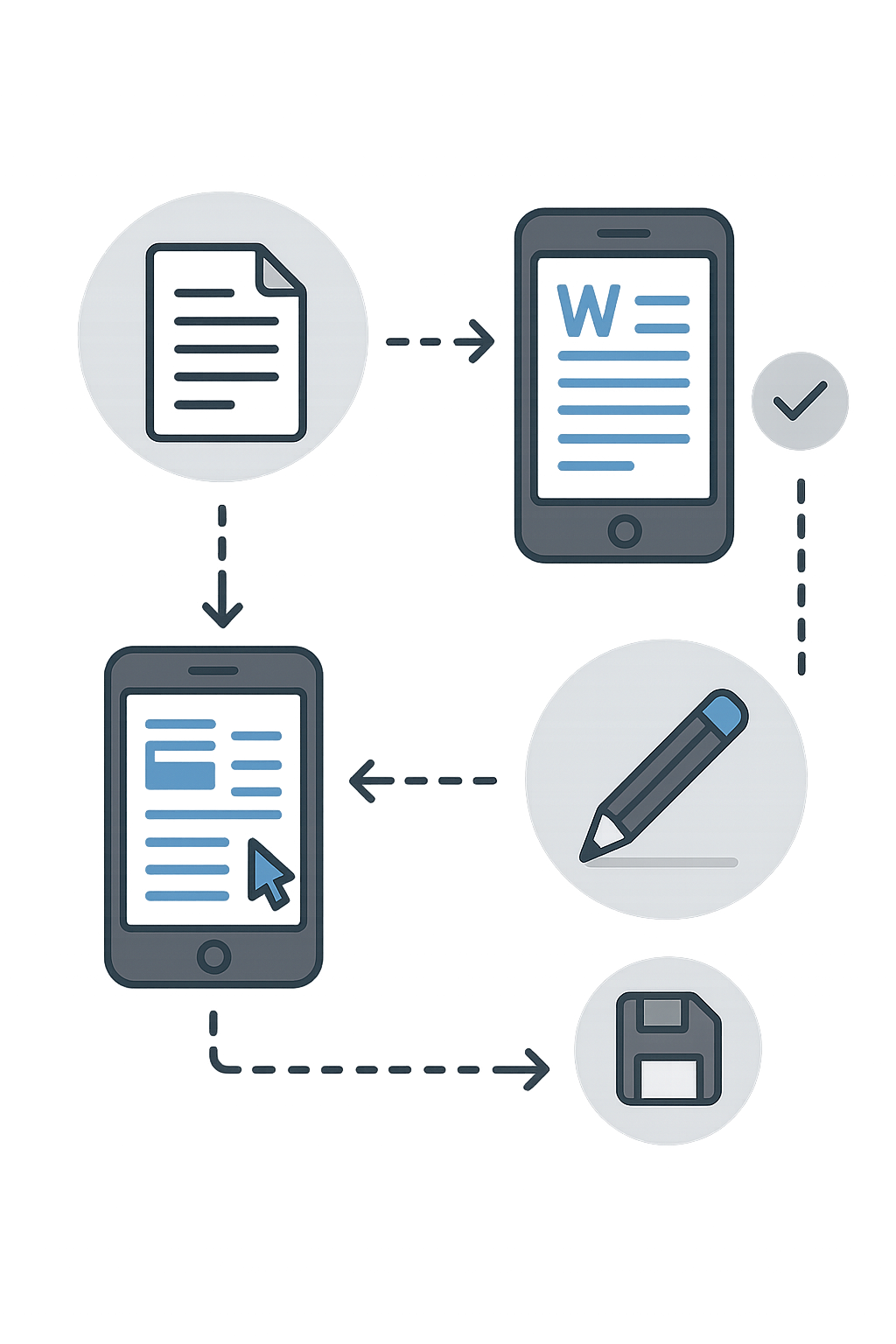
- Choose a Tool: Identify whether you want to use a web browser resource like WordOnline.online or an app like Microsoft Word or Google Docs. Each has unique features and interfaces.
- Access the Document: If using a web tool, navigate to the WordOnline.online website. For apps, open the specific application and locate your document.
- Upload Your Document: For web tools, click on the “Upload” button and select your document. In apps, use their file management system to open the document you want to edit.
- Edit Your Document: Utilize the editing tools available. This can include changing text, formatting, adding images, or any other modifications necessary.
- Save Changes: Once editing is complete, save your changes. For web tools, look for the “Download” option to save your file back to your device.
- Convert if Needed: If you used a web tool and need a different format, consider using the respective conversion tool for PDF or other formats.
Feature Comparison Table
| Feature | WordOnline.online | Microsoft 365 | Google Docs |
|---|---|---|---|
| Cost | Free | Subscription Required | Free with premium features |
| Document Upload Size | No Size Limit | 25 MB | 50 MB |
| Editing Tools | Basic to Intermediate | Advanced | Basic to Intermediate |
| Export Options | PDF, DOCX | Word, PDF, OpenDocument | PDF, DOCX |
| Real-Time Collaboration | No | Yes | Yes |
Frequently Asked Questions
Can I use WordOnline.online on my phone?
Yes, WordOnline.online is mobile-friendly, allowing you to create, edit, and convert documents directly from your phone's browser.
Do I need to download anything to edit documents?
No download is required when using WordOnline.online; simply visit the website and start editing documents right away.
Is it safe to upload my documents online?
WordOnline.online is designed to prioritize user privacy and security, ensuring your documents remain confidential.
What file formats can I edit?
You can edit DOCX and other common text formats. Convert your files easily within WordOnline.online for more flexibility.
Conclusion
Editing Word documents on your phone has never been easier. With versatile options like WordOnline.online, you can make quick edits without downloading bulky software. Enjoy a fast, free, and frictionless document editing experience by visiting WordOnline.free to get started.