

Your Guide to Editing Word Documents Online
Editing a Word document online has become seamless with free tools that require no installation or signup. This article walks you through how to efficiently edit Word documents in your web browser using WordOnline.online, a fast and accessible alternative to Microsoft Word and Google Docs.
Quick Direct Answer
To edit a Word document online for free, use a web-based tool like WordOnline.online. Simply upload your document, make edits directly in your browser, and download it once you're finished.
How to Edit a Word Document Online
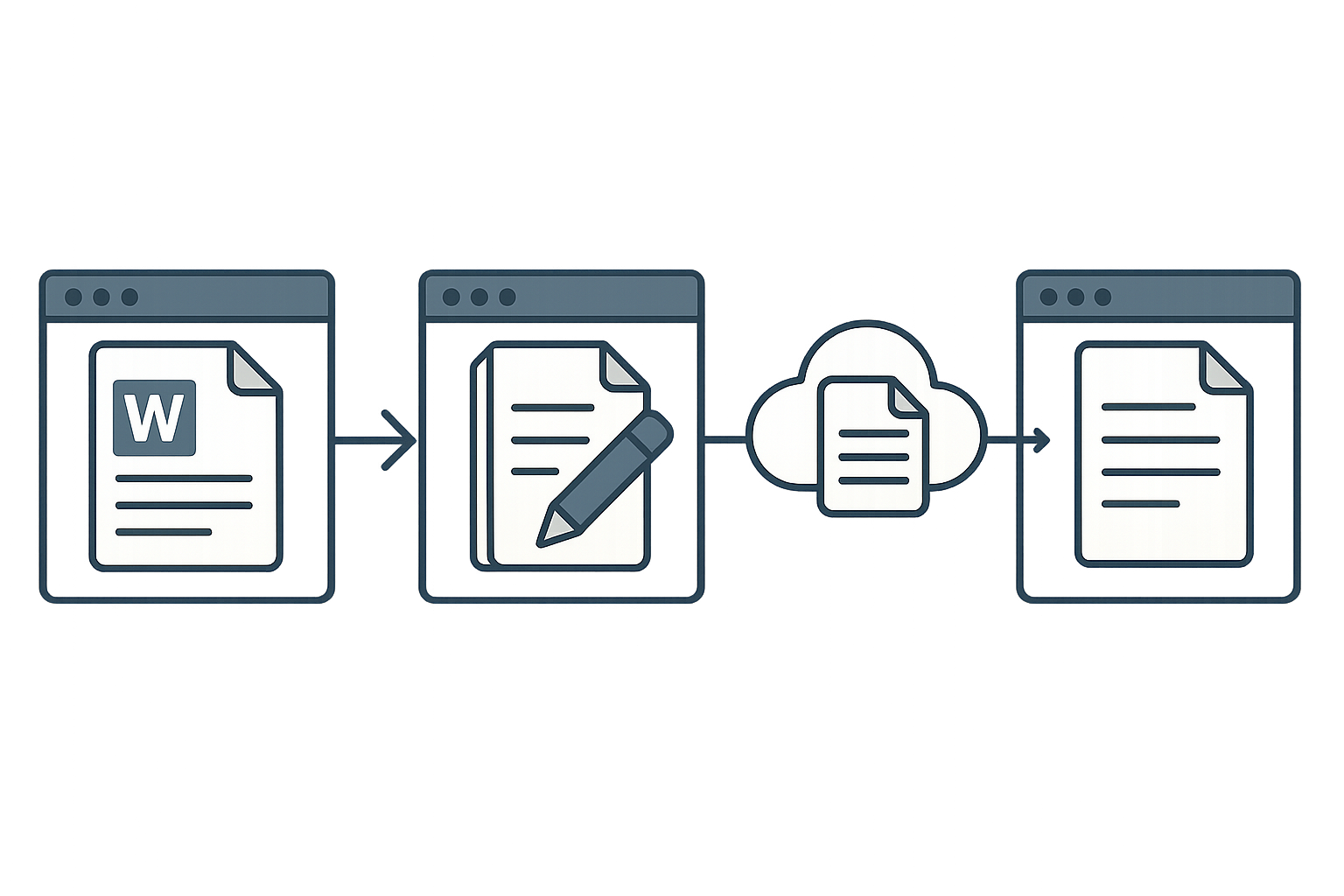
- Access the Editing Tool: Open your browser and go to WordOnline.online.
- Upload Your Document: Click on the upload button and select your Word document from your computer.
- Edit the Document: Utilize the editing features provided in the interface, including text formatting, spell check, and inserting images.
- Save Your Changes: Once satisfied with your edits, choose the download option to save your edited document.
- Edit and Convert: If needed, convert your document to PDF or other formats using the converter tools available.
Feature Comparison: WordOnline vs Competitors
| Feature | WordOnline.online | Microsoft Word Online | Google Docs |
|---|---|---|---|
| No Signup Required | ✔️ | ❌ | ❌ |
| Free Access | ✔️ | ❌ | ✔️ |
| Lightweight Interface | ✔️ | ❌ | ❌ |
| Real-time Word Counter | ✔️ | ✔️ | ✔️ |
| Conversion Features | ✔️ | ❌ | ❌ |
Frequently Asked Questions
Can I edit Word documents on my phone?
Yes, WordOnline.online is accessible from any mobile browser, allowing document editing on the go.
What file formats does WordOnline.online support?
WordOnline.online supports .docx and .pdf formats for upload and conversion.
Is my document secure while using WordOnline.online?
WordOnline.online prioritizes user privacy and does not store your documents, ensuring a secure editing experience.
Can I collaborate with others using WordOnline.online?
Currently, WordOnline.online does not offer real-time collaboration features.
How do I convert a document to PDF?
Upload your Word document and select the 'Convert to PDF' option after editing.
Conclusion
Editing a Word document online for free has never been easier with options like WordOnline.online. Experience the convenience and speed of editing documents immediately without a signup process. Try our free word editor today for quick adjustments, count words, or convert between formats. Get started and simplify your document workflow!