
Quick Direct Answer
You can edit Word documents without Microsoft Word by using free, browser-based tools such as WordOnline.online, allowing you to create, modify, and save documents online without any software installation.
How to Edit a Word Document Without Microsoft Word
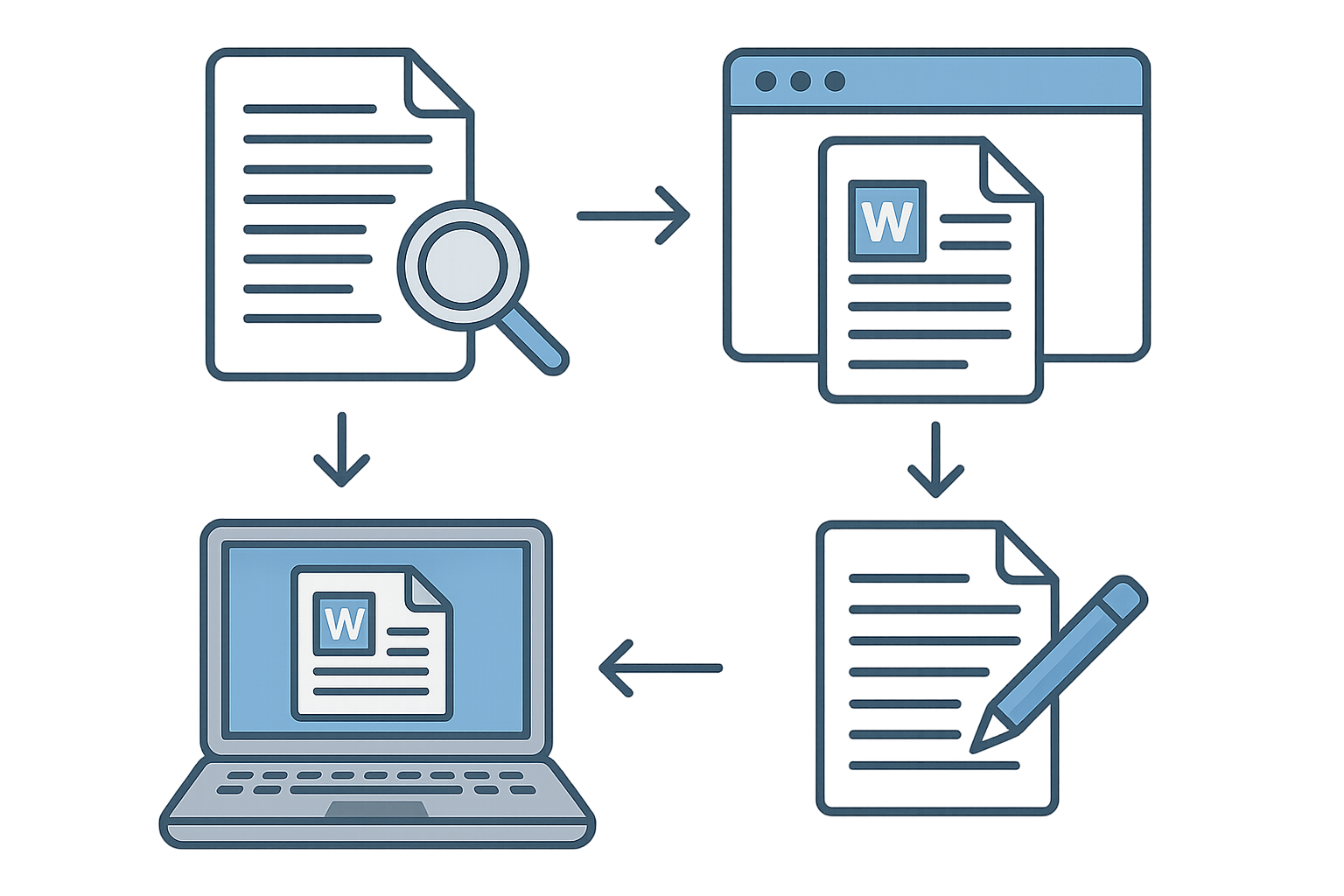
- Choose a Browser-Based Tool: Select an online document editing platform like WordOnline.online, which provides a straightforward, no-signup-required experience.
- Upload Your Document: Navigate to the platform’s interface, locate the upload button, and choose your Word document (.doc, .docx) from your device.
- Edit the Document: Utilize the available editing features to modify text, adjust formatting, insert images, or create lists directly within your browser.
- Real-Time Word Count: Take advantage of the built-in word counter to track your progress as you edit.
- Convert Your Document if Needed: If you require a different format, use PDF to Word or Word to PDF conversion features available on the platform.
- Save Your Changes: Once editing is complete, use the save or download button to export the document back to your device in your desired format.
Comparative Features of Document Editing Tools
| Feature | WordOnline.online | Microsoft Word Online | Google Docs |
|---|---|---|---|
| Cost | Free | Requires Microsoft 365 Subscription | Free with Google account |
| Sign-Up Requirement | No | Yes | Yes |
| File Formats Supported | .doc, .docx, .pdf | .doc, .docx | .doc, .docx |
| Real-Time Word Count | Yes | No | Yes |
| Offline Access | No | Yes | Yes |
Frequently Asked Questions
Can I edit Word documents online for free?
Absolutely! Platforms like WordOnline.online allow you to edit Word documents entirely for free without any subscription or download.
Is it safe to upload my documents to online editors?
Most reputable online editing tools, including WordOnline.online, prioritize user privacy and utilize secure connections, making it a safe option for document editing.
What file formats can I use with WordOnline.online?
You can upload and edit .doc, .docx, and PDF files, making it versatile for various document types.
How do I convert a PDF to a Word document?
Use the PDF to Word conversion feature on WordOnline.online to easily convert and edit your PDF documents.
Do I need to create an account to use WordOnline.online?
No, WordOnline.online is designed to be used without any sign-up, making it quick and easy to start editing your documents right away.
Conclusion
Editing Word documents without Microsoft Word is not only possible but incredibly easy with platforms like WordOnline.online. Whether you need a no-frills editing tool or a converter, visit our free Word editor, or explore our word counter, PDF to Word, and Word to PDF conversion tools to enhance your document experience.