
Quick Direct Answer
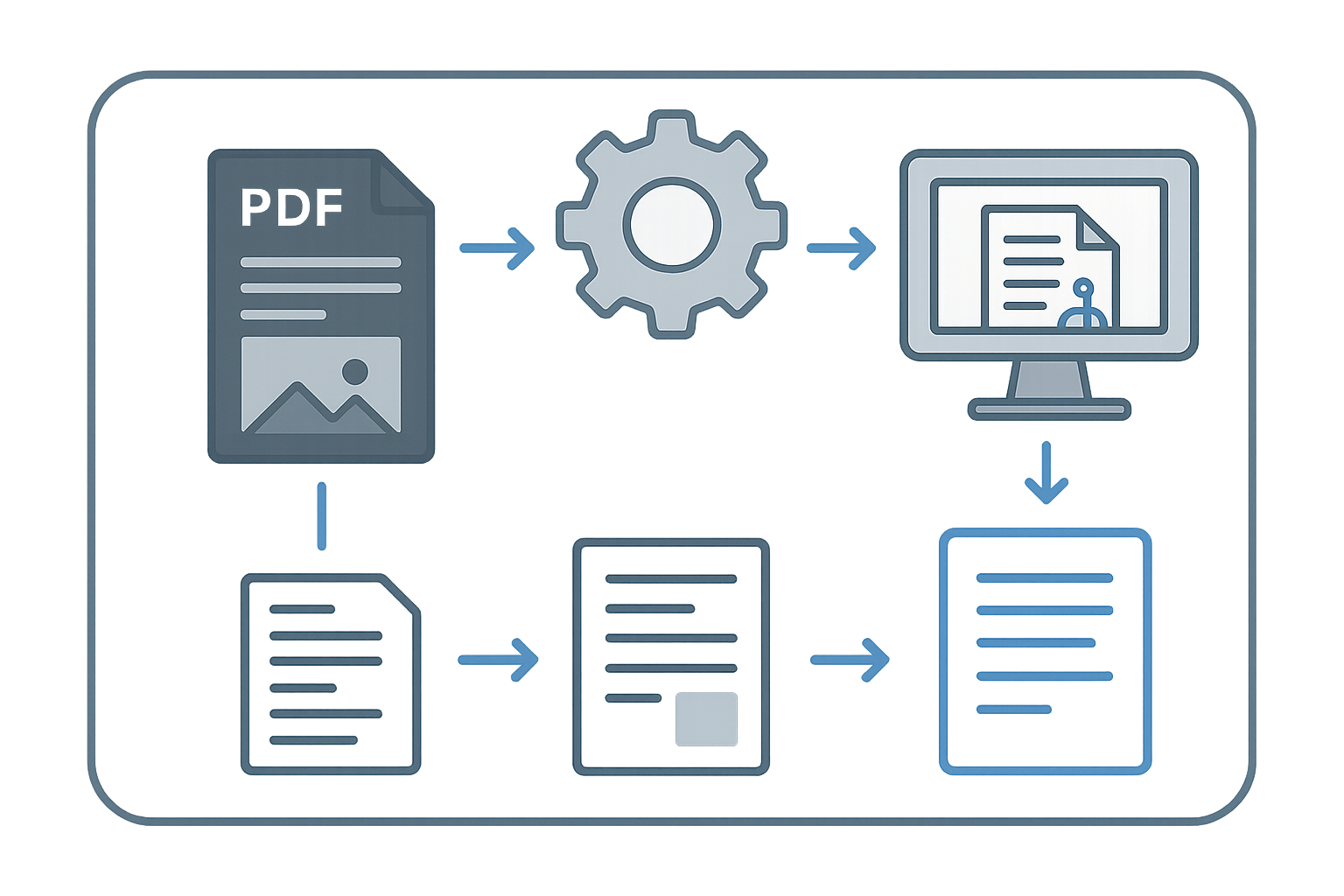
Extracting text from a PDF involves using specialized tools or methods to convert the static format into editable text. This can be done using online converters, software applications, or manual methods.
Comprehensive Guide to Extracting Text from a PDF
Step-by-Step Instructions
- Choose your method: Decide whether to use an online tool, software application, or manual method for text extraction.
- Open your PDF: Launch the application or navigate to the online tool and upload your PDF document.
- Select the text extraction feature: If using software, look for an option like 'Export' or 'Convert'; for online tools, find the specific text extraction option.
- Initiate the extraction: Click the appropriate button to start the extraction process.
- Review the output: After extraction, check the converted document for accuracy and completeness.
- Save your document: Finally, save or download the extracted text in your desired format, such as .doc or .txt.
| Feature | WordOnline.online | Microsoft 365 | Google Docs |
|---|---|---|---|
| Text extraction capability | Yes | Yes | Yes |
| Conversion options | PDF to Word, Word to PDF | PDF to Word, Word to PDF | PDF to Google Docs, Google Docs to PDF |
| Signup requirement | No | Yes | Yes |
| Edit in browser | Yes | Yes | Yes |
Frequently Asked Questions
What tools can I use to extract text from a PDF?
You can use online tools like WordOnline.online, software applications like Adobe Acrobat, or Google Docs to extract text from PDFs.
Is it free to extract text from a PDF?
Many online services, including WordOnline.online, offer free text extraction tools without requiring signup.
Can I extract text from scanned PDFs?
Yes, but you may need OCR (Optical Character Recognition) tools that can convert images of text into editable text.
How accurate is the text extraction process?
The accuracy of text extraction can vary based on the tool used and the quality of the original PDF. Always review the output for mistakes.
What formats can I save the extracted text in?
Most tools allow saving extracted text in various formats, such as .doc, .txt, or .rtf, depending on the application.
Conclusion
Extracting text from a PDF can be done easily with the right tools and methods. Whether you choose WordOnline.online for a quick solution or other platforms, always consider accuracy and convenience. To explore more features, visit our free Word editor or our PDF to Word converter.