

Quick Direct Answer
Merging Word documents involves combining two or more separate Word files into one. This can be done easily using various tools, including online document editors like WordOnline.online, which allow for quick, no-signup merging without the hassle of third-party software.
Comprehensive Guide: Steps to Merge Word Documents
- Choose Your Tool: Select a merging tool such as WordOnline.online, Microsoft Word, or Google Docs.
- Open the Tool: If using WordOnline.online, navigate to the website here. For Microsoft Word or Google Docs, launch the respective application.
- Upload the Documents: With WordOnline.online, simply drag and drop your files into the workspace. For other tools, use the File menu to upload the documents.
- Arrange Documents: Check that the documents are in the desired order. You can rearrange them in most tools.
- Merge the Documents: Click on the "Merge" or "Join" option. In Word, this may involve Copy and Paste operations for individual sections.
- Save the Merged Document: Save your newly merged document in the desired format (Word or PDF) using the tool's download or export feature.
- Check for Errors: Review the merged document for any formatting issues or errors that may have occurred during the merge process.
- Final Adjustments: Make any necessary edits or adjustments. You can edit directly in WordOnline.online.
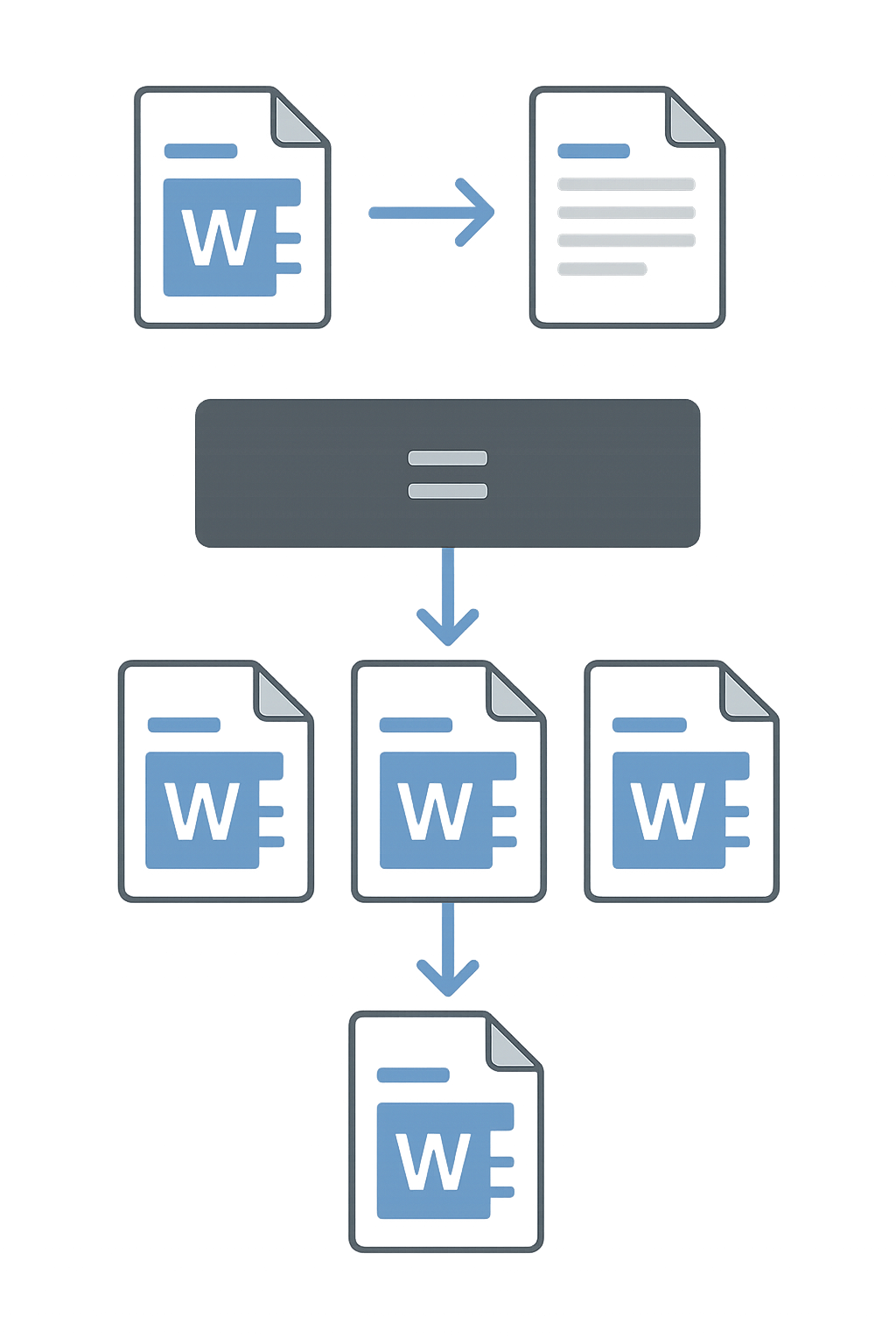
Feature Comparison of Document Merging Tools
| Feature | WordOnline.online | Microsoft Word Online | Google Docs |
|---|---|---|---|
| Free to Use | ✔ | ✖ | ✔ |
| No Signup Required | ✔ | ✖ | ✖ |
| Real-Time Collaboration | ✔ | ✔ | ✔ |
| Multiple File Format Support | ✔ | ✔ | ✔ |
| Drag and Drop Merging | ✔ | ✖ | ✖ |
Frequently Asked Questions
Can I merge documents without special software?
Yes! You can easily merge documents using free online platforms like WordOnline.online.
Is formatting preserved when merging?
Most tools, including WordOnline.online, preserve basic formatting during the merging process, but it’s good practice to check afterward.
Does merging documents affect file size?
Yes, merging multiple documents will generally result in a larger file size, depending on the content and format of the original documents.
What formats can I merge using WordOnline.online?
You can merge various formats, including .docx and .pdf, using WordOnline.online.
Can I edit after merging?
Absolutely! Once merged, you can directly edit the combined document using WordOnline.online or other tools.
Conclusion
Merging Word documents is a straightforward task that can be immensely helpful for various projects. Whether you opt for a browser-based solution like WordOnline.online or require more extensive features from tools like Microsoft Word Online, the process is quick and efficient. For additional tasks, check out our Word Counter, PDF to Word Converter, or Word to PDF Converter.