
Quick Direct Answer
You can open a DOCX file without Microsoft Word by using free online tools, document converters, or compatible software that supports the format. Options like WordOnline.online offer a fast, no-signup-required alternative for editing DOCX documents directly in any browser.
How to Open a DOCX File Without Microsoft Word
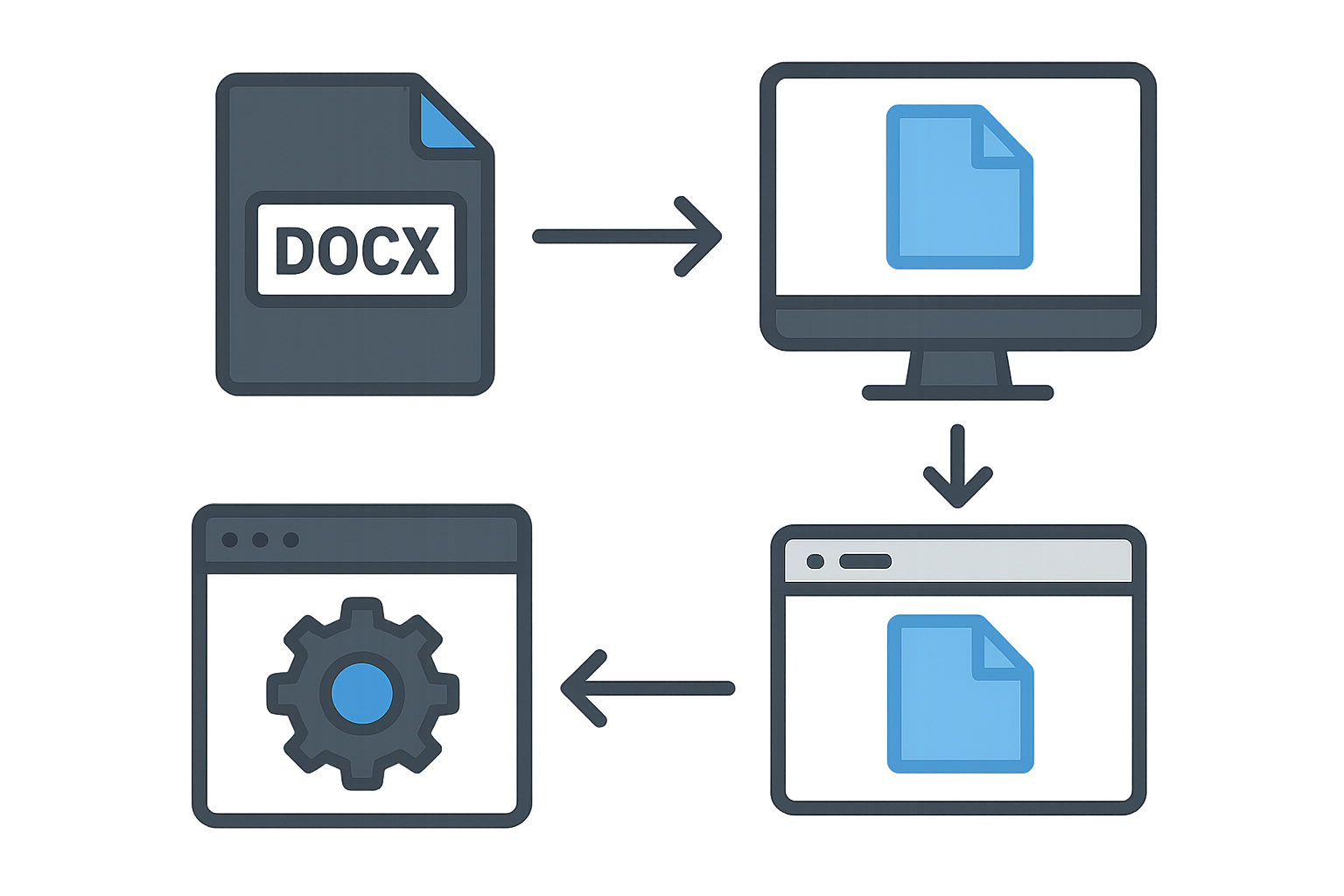
Follow the steps below to open a DOCX file without needing Microsoft Word:
- Choose an Online Tool: For quick access, select a browser-based document tool like WordOnline.online.
- Upload Your DOCX File: Navigate to the tool, find the upload button, and select your DOCX file from your device.
- Edit or View Your Document: Once uploaded, use the tool's capabilities to view or edit your file. Ensure you check for formatting issues that may arise.
- Download or Convert: After editing, if needed, you can download your document back in DOCX format or convert it to PDF or another file type.
- Use a Desktop Alternative: If you prefer offline access, consider using free software like LibreOffice or Google Docs.
Feature Comparison Table
| Feature | WordOnline.online | Microsoft Word Online | Google Docs |
|---|---|---|---|
| Free to Use | ✔️ | ❌* | ✔️ |
| File Formats Supported | DOCX, PDF | DOCX, PDF | DOCX, PDF |
| No Signup Required | ✔️ | ❌ | ❌ |
| Real-time Collaboration | ✔️ | ✔️ | ✔️ |
| Download Options | ✔️ | ✔️ | ✔️ |
Frequently Asked Questions
What applications can open DOCX files?
You can open DOCX files using free online tools like WordOnline.online, Google Docs, or desktop applications like LibreOffice.
Can I convert DOCX files to another format?
Yes, many online tools allow you to convert DOCX to PDF, TXT, and other formats, including WordOnline.online.
Are there any risks when using free online tools?
While many free tools are secure, always ensure that you use reputable services to avoid losing sensitive information.
Is it possible to edit DOCX files without Microsoft Word?
Absolutely! You can edit DOCX files using WordOnline.online or Google Docs, both of which provide robust editing features.
Do I need to create an account to use these services?
No, WordOnline.online does not require an account, offering a seamless experience compared to other services.
Conclusion
Opening and editing DOCX files without Microsoft Word is simple and efficient with WordOnline.online. This free tool allows for quick access and easy conversions, ensuring you can manage your documents hassle-free. Start by exploring our free word editor, check your document's word count at our word counter, or convert files from PDF to Word with this converter!