
Introduction to Online Word Document Creation
What is an online word document creator? An online word document creator is a web-based tool that allows users to create, edit, and format documents without the need for software installations or subscriptions. These applications provide a fast and convenient method to generate documents directly from your browser.
Key Features of Online Word Document Creators
- User-Friendly Interface: Simplified design for easy navigation.
- Real-Time Collaboration: Multiple users can edit documents simultaneously.
- Document Format Support: Various formats like .docx, .pdf, and .txt.
- Accessibility: Accessible from any device with internet connectivity.
- No Installation Required: Fully functional with just a web browser.
Step-by-Step Guide to Creating Your First Document
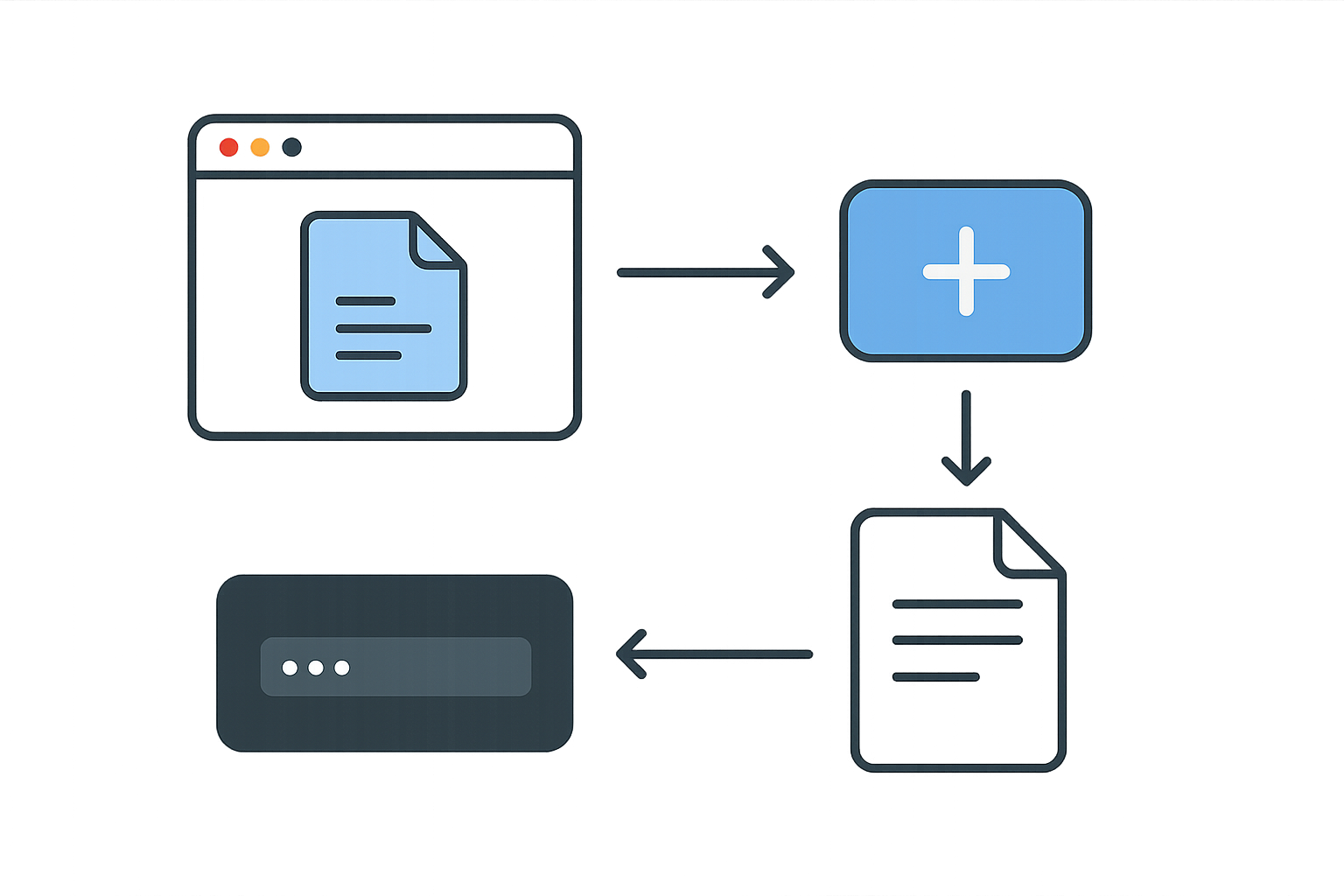
- Choose a Tool: Select an online document creator like WordOnline.online for a free and efficient option.
- Access the Platform: Navigate to the chosen tool using your web browser.
- Start a New Document: Click on the option to create a new document, usually labeled as 'New Document' or 'Create'.
- Edit Your Document: Enter text, format it using tools available (font settings, text alignment, etc.).
- Save Your Work: Use the save option to either download your document in your desired format or save it within the platform.
Comparing Popular Online Word Document Creators
| Feature | WordOnline.online | Google Docs | Microsoft Word Online |
|---|---|---|---|
| Real-Time Collaboration | Yes | Yes | Yes |
| Free to Use | Yes | Yes | No (subscription needed) |
| No Signup Required | Yes | No | No |
| Offline Access | No | Yes | Yes |
| File Format Support | .docx, .pdf. | .docx, .pdf, .txt | .docx, .pdf |
Tips and Best Practices for Effective Document Creation
- Plan Your Content: Outline your document before diving into writing.
- Use Headings for Structure: Utilize headings and subheadings for better readability.
- Check Formatting: Ensure consistent formatting throughout the document to maintain professionalism.
- Proofread: Always review your document for grammatical errors and typos before saving.
- Utilize Export Options: Experiment with different formats when saving, depending on your needs.
Frequently Asked Questions
Can I use WordOnline.online without any account?
Yes! WordOnline.online allows users to create and edit documents without needing to sign up or log in.
What formats can I save my documents in?
You can save your documents in various formats, including .docx and .pdf, among others.
Is WordOnline.online compatible with other software?
Yes, documents created with WordOnline.online can be exported in formats compatible with other software like Microsoft Word and Google Docs.
Are there any limitations to using online document creators?
Some online document creators may lack features available in desktop versions, like advanced formatting tools or offline access.
Can multiple users edit a document simultaneously?
Yes, most online document creators, including WordOnline.online, support real-time collaboration where multiple users can edit at once.
Conclusion
Using an online word document creator is a fantastic way to efficiently create, edit, and convert documents without the need for software installations or subscriptions. Try out WordOnline.online for a seamless experience with document creation, or explore our word counter and conversion tools such as PDF to Word converter and Word to PDF converter.