
Introduction to Free Online Word Editors
Free online word editors are web-based tools that provide functionalities for creating, editing, and formatting text documents without requiring downloads. They enhance writing productivity through collaboration and accessibility from various devices.
Features to Look for in a Free Word Editor
- User-Friendly Interface: Ensure it has an intuitive layout to help you write without distractions.
- Collaboration Tools: Look for options to share and edit documents in real-time with others.
- Cloud Storage Integration: Check if it supports saving documents directly to cloud services like Google Drive or Dropbox.
- Format Compatibility: Ensure it can handle various file formats, including DOCX, PDF, and TXT.
- Export Options: Look for editors that allow you to download your work in different formats easily.
Review of the Top 7 Free Online Word Editors
| Editor Name | Key Features | Supported Formats | Cloud Integration | Collaborative Editing |
|---|---|---|---|---|
| Google Docs | Real-time collaboration, version history | DOCX, PDF, ODT | Google Drive | Yes |
| Microsoft Word Online | Rich editing features, templates | DOCX, PDF | OneDrive | Yes |
| Zoho Writer | Integrated chat, offline editing | DOCX, PDF, ODT | Zoho Cloud | Yes |
| OnlyOffice | Office suite features, customizable UI | DOCX, ODT, PDF | Various | Yes |
| Dropbox Paper | Lightweight, multimedia support | DOCX, MD | Dropbox | Yes |
| Quip | Document chats, task lists | DOCX, PDF | Salesforce | Yes |
| Coda | Customizable documents, automation | DOCX, PDF | Various | Yes |
How to Choose the Best Editor for Your Needs
- Identify Your Requirements: Determine whether you need basic writing tools or advanced features.
- Assess Collaboration Needs: If you work in teams, choose an editor that supports multiple users.
- Test Usability: Try different editors and find one that fits your writing style.
- Check Format Compatibility: Ensure the tool supports the file types you frequently use.
- Evaluate Support Options: Look for resources or customer support in case you encounter issues.
Conclusion and Recommendations
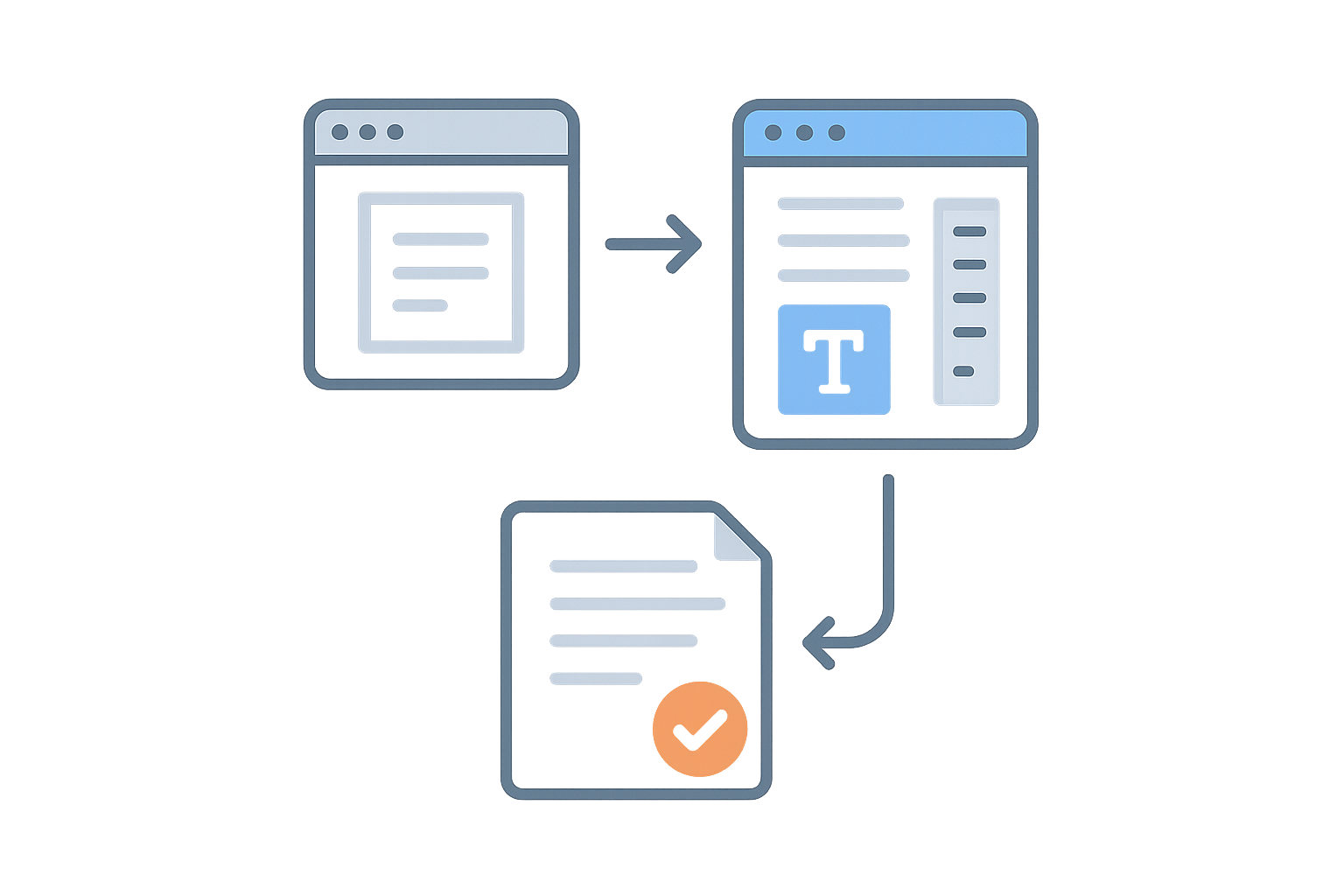
Choosing the right free online word editor can significantly enhance your writing productivity. Google Docs remains the top choice for most, while tools like Zoho Writer and Microsoft Word Online provide excellent alternatives based on your specific needs.
For more writing tools, check out our free word editor, word counter, or PDF to Word converter.
Frequently Asked Questions
What is the best free online word editor?
Google Docs is widely regarded as the best free online word editor due to its robust features, real-time collaboration, and excellent cloud storage integration.
Can I use these editors offline?
Some editors, like Microsoft Word Online and Zoho Writer, offer offline modes, allowing you to work without an internet connection.
Are my documents safe when using free online editors?
Most reputable editors use encryption to protect your data, but always check their privacy policies to understand how your information is used.
What formats can I export my documents in?
Most online word editors allow exports in various formats, including DOCX, PDF, and TXT, ensuring compatibility with other platforms.
Do I need an account to use these editors?
While some editors allow limited access without an account, creating one typically provides full features and better document management.