
Introduction to Word Online and Google Docs
Word Online and Google Docs are popular web-based word processing tools. Word Online, part of Microsoft 365, offers familiar functionality for Word users. Google Docs, a free tool, emphasizes real-time collaboration and cloud accessibility, making it a favorite for team projects.
Quick Direct Answer
Word Online is Microsoft’s version of Word accessible via the web, while Google Docs is a free cloud-based word processor from Google, both allowing for document creation and editing online.
User Interface and Ease of Use Analysis
Both Word Online and Google Docs offer intuitive interfaces, but they cater to different user preferences. Here’s a quick analysis:
- Word Online: Familiar layout for traditional Word users, with a ribbon-style menu similar to desktop Word.
- Google Docs: Simplified, minimalist design focused on essential features, making it approachable for new users.
Collaboration Features Comparison
Real-Time Editing
Both platforms offer real-time collaboration, but Google Docs shines with its sharing functionalities.
- Word Online: Allows users to share documents but requires users to have a Microsoft account for editing.
- Google Docs: Offers seamless sharing via link, no account needed for view-only access.
Document Formatting and Template Availability
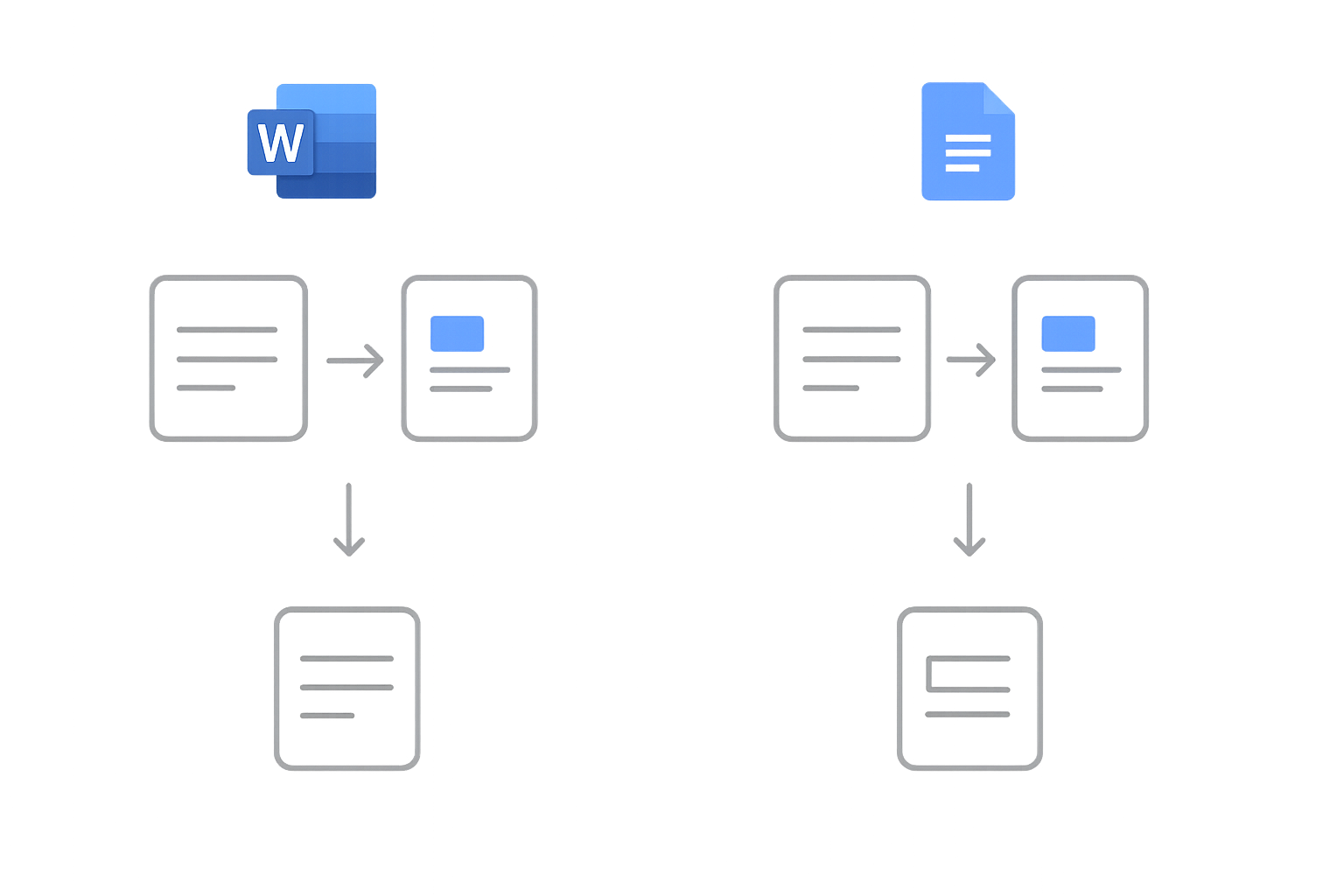
When it comes to document formatting and templates, both tools have their unique advantages:
| Feature | Word Online | Google Docs |
|---|---|---|
| Template Options | Extensive, including business, educational, and personal templates. | Basic templates available, but less extensive. |
| Formatting Tools | More advanced options available for detailed formatting. | Simpler formatting tools, but sufficient for most documents. |
| Compatibility | Highly compatible with other Microsoft Office formats. | Best for collaboration, can export to various formats. |
Conclusion: Which One Is Right for You?
Your choice between Word Online and Google Docs depends on several factors, including your collaboration needs, document formatting, and personal preference. If you're accustomed to the Microsoft ecosystem, Word Online is a natural choice. For teams needing robust collaboration features, Google Docs is likely the better option.
Excellent tools are available to enhance your document experience, such as our free Word editor and word counter.
Frequently Asked Questions
Is Google Docs free to use?
Yes, Google Docs is a free cloud-based service, though users need a Google account for access.
Can I use Word Online offline?
Word Online requires an internet connection; however, you can use the desktop version of Word for offline access.
Which tool works better for team collaboration?
Google Docs is generally considered superior for collaboration due to its easy sharing options and real-time editing capabilities.
Can I convert Google Docs to Word format?
Yes, you can download Google Docs files in Word format (.docx) for compatibility.
Are templates available in both tools?
Yes, both Word Online and Google Docs offer templates, but Word Online provides a wider variety for different document needs.